
When a delivery fails
A driver couldn't deliver — here's where it surfaces, how the reason and photo reach you, how the customer is told, and how to re-attempt.
Not every stop lands. Nobody's home, the gate's locked, the address is wrong. Routerra is built so a failed delivery is a handled event, not a lost one — the reason, the evidence, and the customer notification all flow without you chasing anyone.
What the driver does
When a driver can't complete a stop, they press Not delivered in the app and pick a structured reason:
- Customer not available
- Wrong address
- Customer refused
- Business closed
- Access restricted
- Other reason
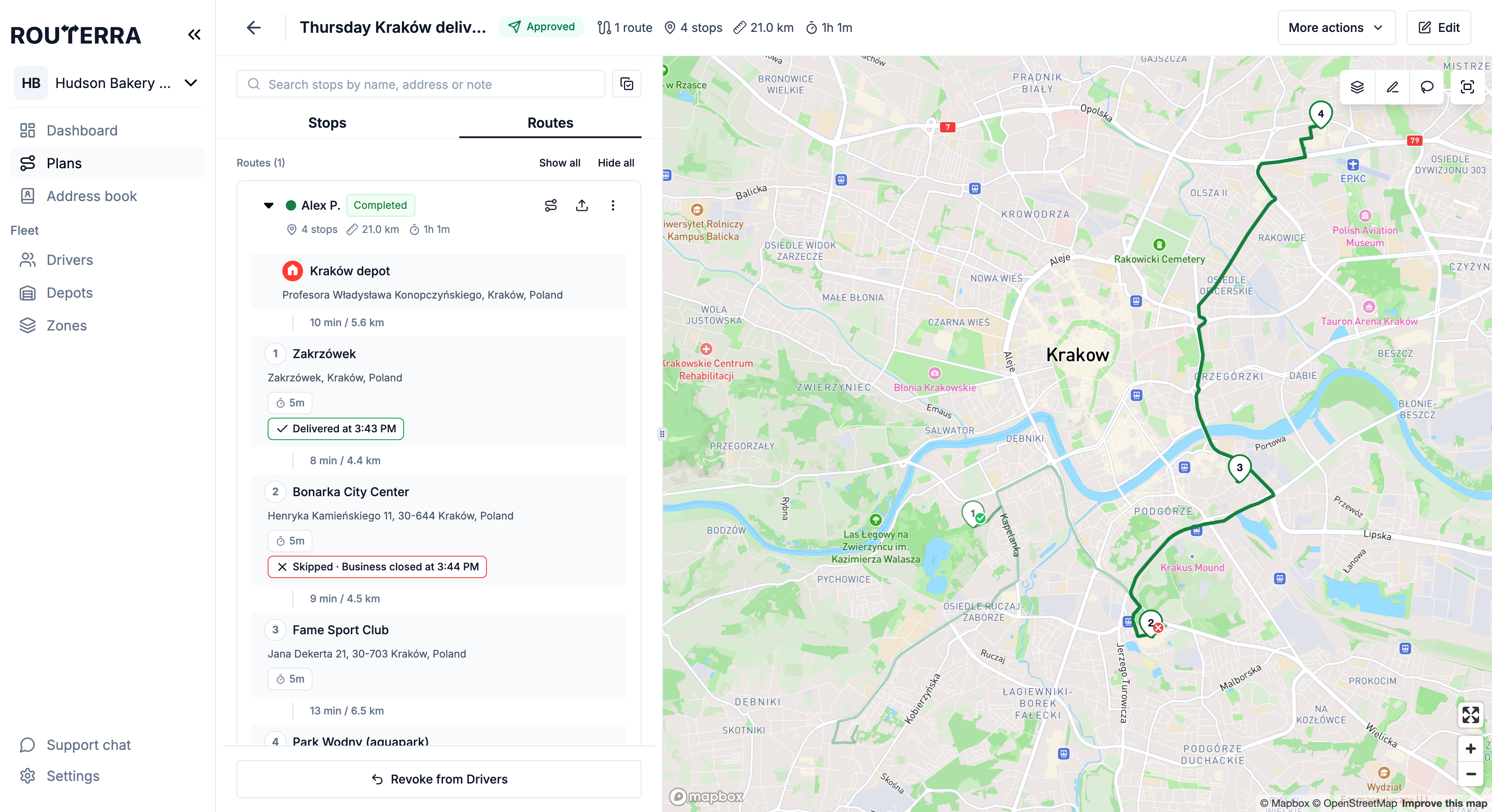
Other reason asks for a short typed note. The stop is marked red — "Skipped · <reason> at H:MM" — and any photos the driver took (a closed gate, a "sorry we missed you" note) travel with it. All of this works offline and syncs the moment the driver has signal.
Where it surfaces for you
The failure reaches you immediately, in up to four places:
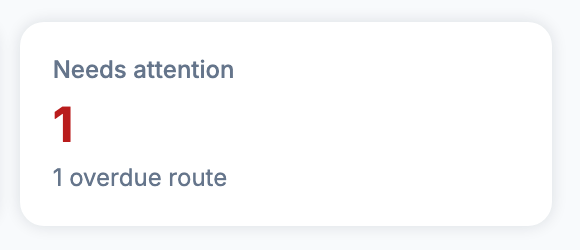
- The dashboard's Needs attention card counts failed stops alongside overdue and idle routes — the number to keep at zero (Follow delivery progress live).
- The stop itself — status, reason, timestamp, and driver photos in its Attachments panel (Proof of delivery). On the plan map its pin gets a ring, so it stands out among the delivered ones.
- Your team's inbox or phone, if the Skipped event is on under Settings → Notifications → Internal (Team notifications and the delivery log).
- The customer, if customer notifications are on (below).
Telling the customer automatically
If the stop has the customer's email or phone number and the Not delivered event is on under Settings → Notifications → Customers, the customer gets an email or text the moment the driver marks it — with the reason, and no action from you. A good Not delivered message says what happens next ("we'll try again tomorrow" / "call us to reschedule"), so the customer isn't left guessing. Setup is in Customer notifications by email and SMS.
Re-attempting the delivery
Once you've seen the reason, decide:
- Retry later today — if the same driver can swing back, they open the stop in the app again and mark it Delivered. If another driver should take it, add the address as a new stop, select it, and use Move to driver to put it on their route (re-optimize their route or add it to the end). On a plan already sent to drivers, they see the change as soon as you move it. Move to driver only moves stops that are still pending, so it won't pick up the failed stop itself. See Bulk operations.
- Push to tomorrow — add the stop to tomorrow's plan. If the address is saved in the Team Address Book, import it from there so its pin, notes and contact come along.
- Fix the root cause — if the reason was Wrong address, correct the pin and tick Update in address book when you save, so the next stop at that address doesn't fail the same way.
What's next
- Proof of delivery — the evidence behind every failed stop
- Mid-day changes — folding a retry into a plan that's already out