
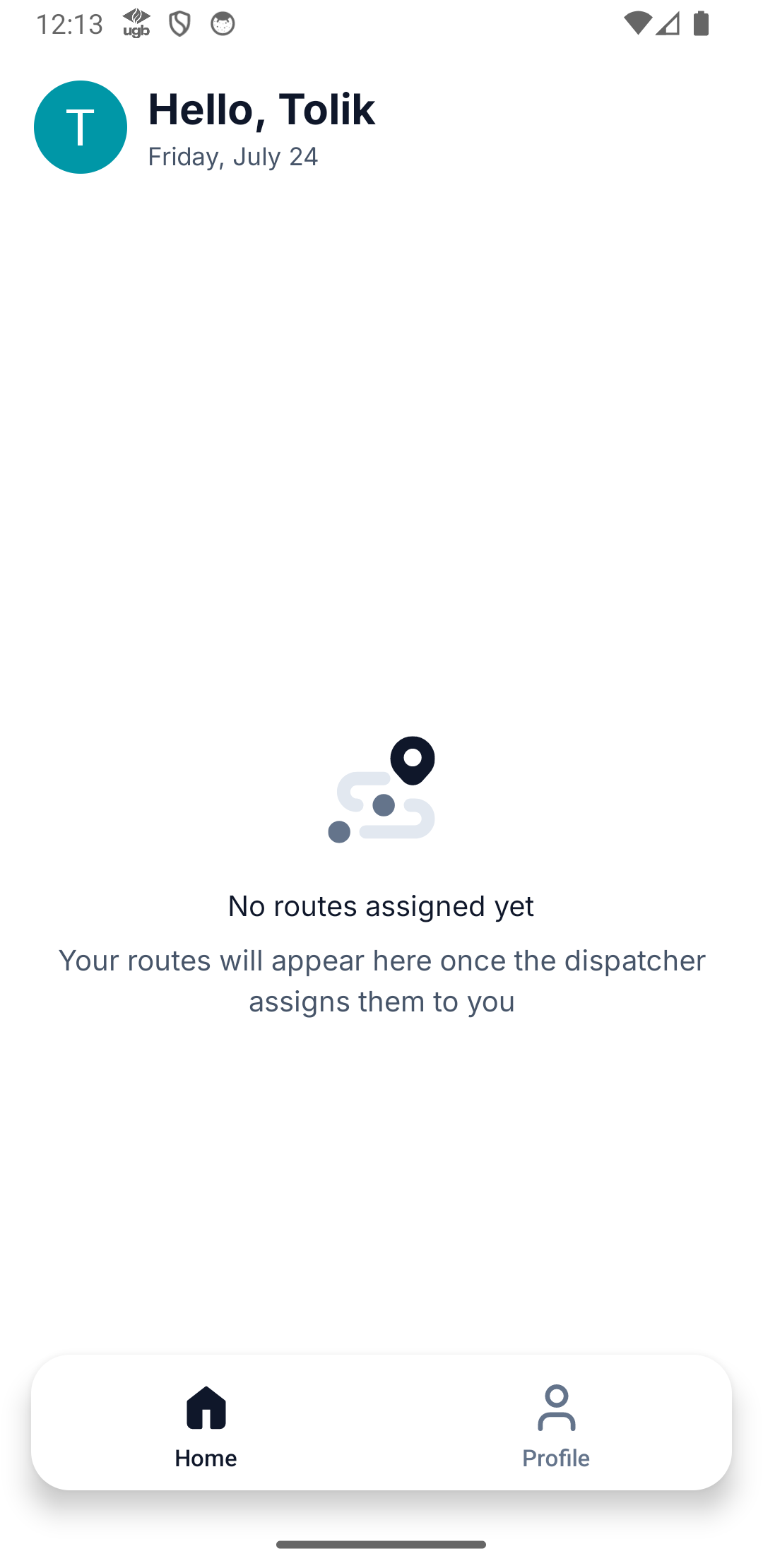
A driver doesn't see their route
The checklist when a driver's app shows an empty day — was the plan sent, the right email, the app signed in, the seat active — and how to fix each.
A driver texts: "I've got nothing today." Nine times out of ten it's one of four things, and they're quick to check. Work down this list in order.
The four-point checklist
Was the plan actually sent?
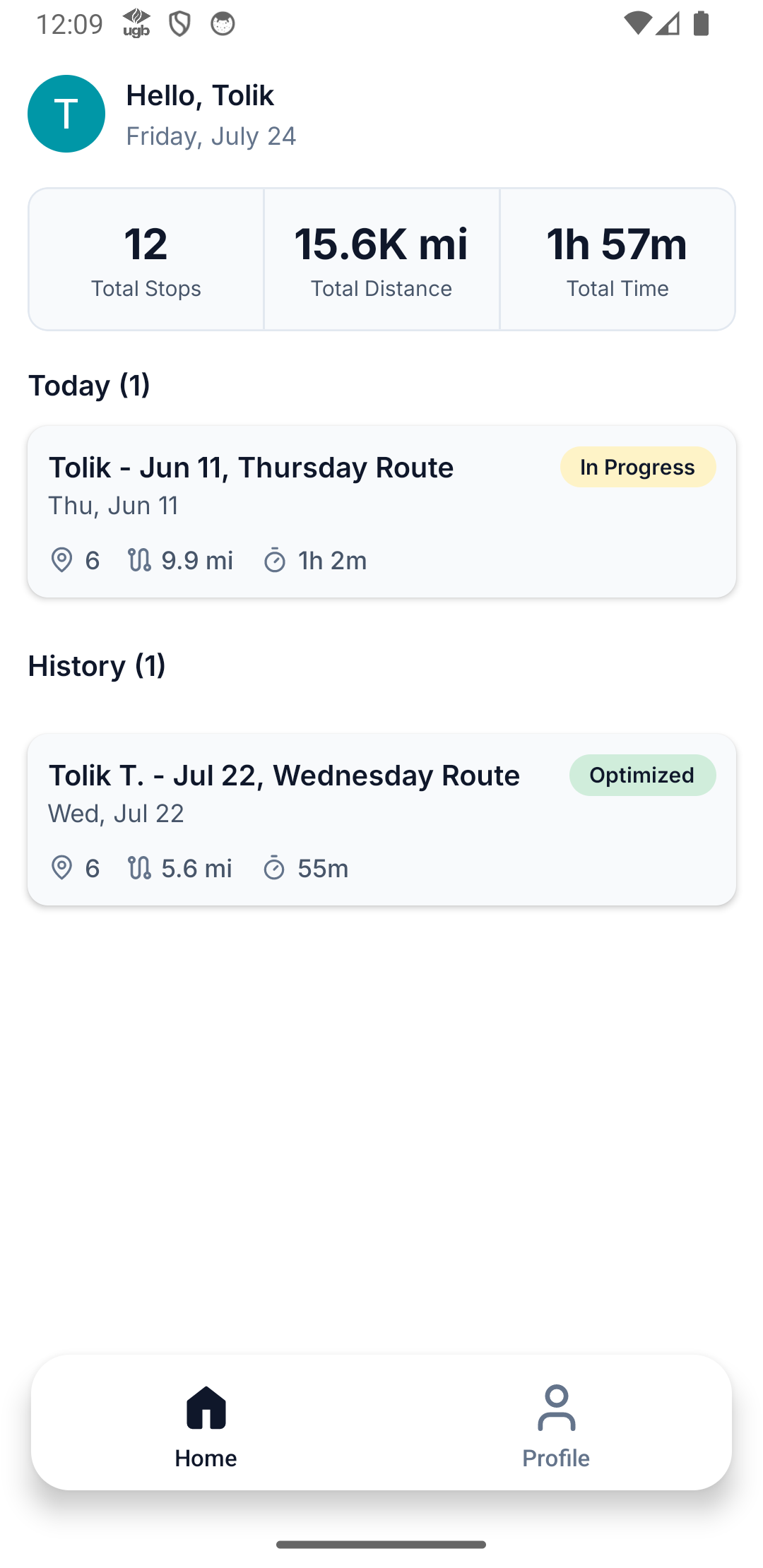
Optimizing builds routes but keeps them private to the office. Drivers see nothing until you press Send routes to drivers and the plan status becomes Approved. If it's still Dispatched, that's the whole problem — send it. (Send routes to drivers)
Right email?
A driver only receives routes at the exact email on their driver profile. If they signed in with a personal address that differs by a letter, they won't see anything. Compare the email in Fleet → Drivers with the one shown in the driver app's Profile tab.
Is the app signed in — to this team?
Have them confirm they're signed in (Profile shows their name and email). A driver on more than one team should check they're looking at the right one.
Is the seat active?
A driver needs a seat to receive routes. If your subscription lapsed (Past Due / Expired) or you're over your seat cap, routes may not reach them. Check billing.
Revoked or re-dispatched plans
Two timing situations look like "no route" but aren't a bug:
- You revoked the plan. Revoke from Drivers pulls routes out of the app on purpose. Re-send when you're ready.
- You just re-sent after changes. After a mid-day change, the app picks up the new version when the driver opens the route, and every minute while they're on the route screen. Pulling down on Home refreshes the list.
Sync timing and offline
If the driver is in a dead zone, a freshly sent route may not have reached the phone yet. The app is offline-first — the route arrives once signal returns. A quiet minute right after dispatch isn't a failure; a route that never shows after the driver's clearly online is.
If the route reached the phone but was never opened with signal, the app says This route is not on your phone yet — Go online once to download its stops. Once the driver opens it online, it works offline from then on.
What's next
- Send routes to drivers — the dispatch mechanics
- Get started with the driver app — send this to the driver
- Offline: what syncs and when