
Depots
A depot is where routes start and finish. Add your warehouses, stores, or kitchens, assign them to drivers, and what happens when you delete one that drivers use.
A depot is a fixed location where routes begin and end — your warehouse, store, kitchen, or yard. The optimizer anchors each driver's route to their start and finish depot, so every route is a real round trip, not a line that ends in the middle of nowhere. Depots live under Fleet → Depots.
Adding a depot
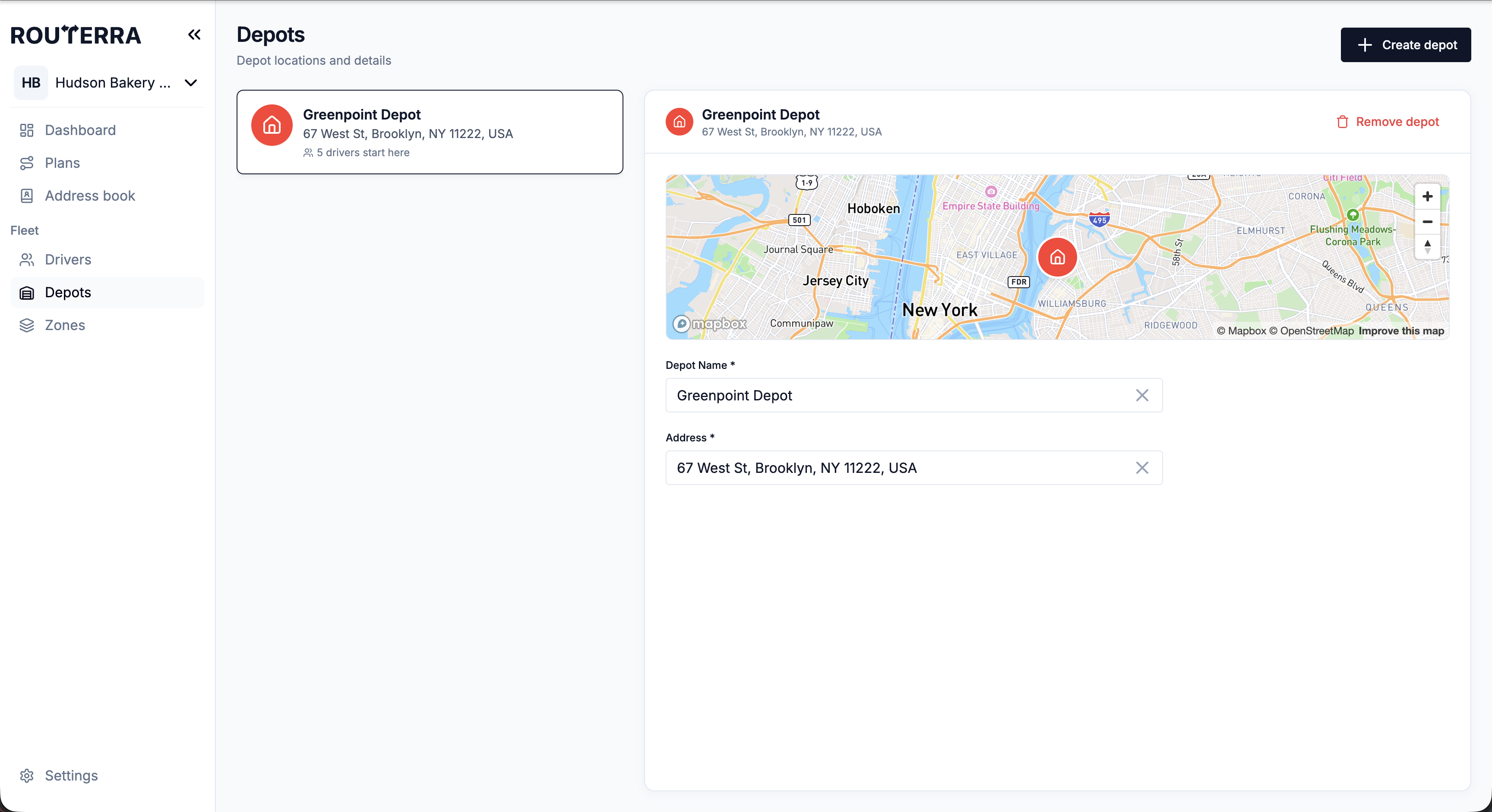
Give the depot a name and an address; Routerra geocodes it and drops a pin. You can add several — a multi-location operation might have one depot per branch — and choose which depot each driver starts and finishes at (driver settings).
Open Fleet → Depots
Press to add a new depot.
Name it and enter the address
Routerra pins it on the map. Give it a name you'll recognize in a dropdown — "Main warehouse", "North kitchen".
Assign it to drivers
In each driver's profile, set their Start Depot and Finish Depot.
Deleting a depot that drivers use
Routerra doesn't stop you from deleting a depot that drivers still start or finish at. The Remove Depot confirmation names the drivers who start there — "Drivers starting here: …" — so you know whose profile to check. Drivers who only finish there aren't listed.
To retire a depot cleanly, first move every driver that uses it to a different Start Depot and Finish Depot, then delete it. If you delete it first, open each driver who used it afterwards and check where their day now starts and ends.
Deleting doesn't copy the depot's address onto those drivers. A driver who started or finished there is left with no start or finish location until you pick a new one — whatever the confirmation dialog suggests.
What's next
- Drivers: profiles, shifts, and vehicles — assigning start/finish depots
- Zones — the other half of your fleet's map