
Split a long route into several
Divide a route with too many stops into several smaller routes by setting a maximum number of stops per route, and see how the split is calculated.
A route with more stops than one day can hold is better driven as several routes. Split does that division for you: you say how many stops each route should hold at most, and Routerra builds the new routes out of the stops already on this one.
Split a route
Open the route's dropdown menu
Split sits in the same menu as Optimize, below Calculate as added.
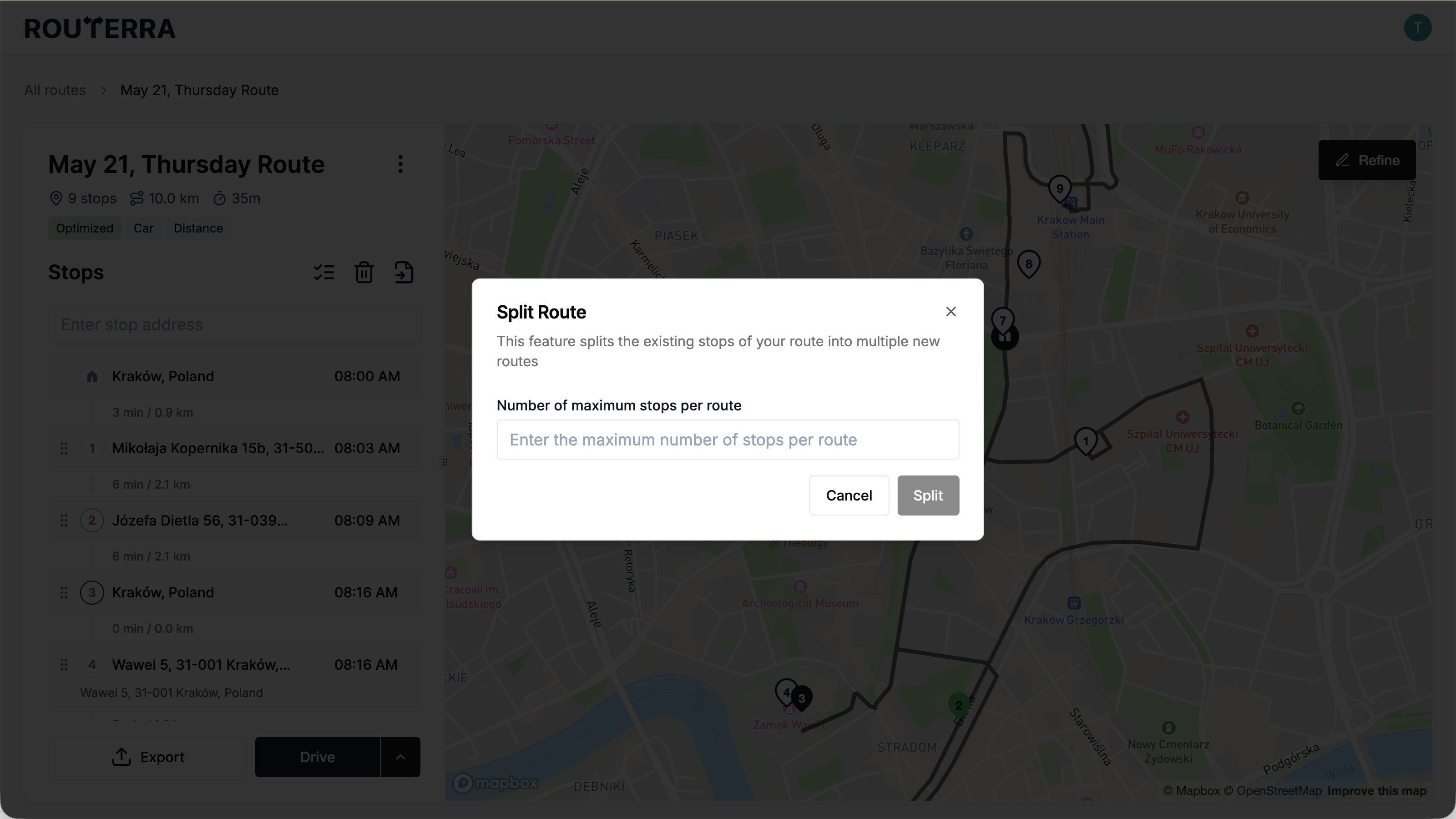
Enter a maximum number of stops per route
The dialog is titled Split Route and asks for the Number of maximum stops per route. It's a ceiling, not an exact size — the last route in the set usually holds fewer.
Press Split
Routerra divides the stops and creates the new routes. On a large route it can take a few minutes, and the route reads Splitting... while it works.
Where the new routes go
When it finishes, a confirmation tells you how many routes were created and the original route's status becomes Splitted. The new routes are waiting in your routes list — open any of them the way you'd open any other route. Stops keep the settings they already had, so arrival windows, priorities and notes travel with them.
If it doesn't work, the status reads Splitting failed. Try it again.
The two limits
- One split can create at most 20 new routes. Ask for a maximum that would need more than that and the dialog tells you the smallest per-route number that would work instead.
- Split is greyed out above 200 stops on the route. This is a different ceiling from your plan's stops-per-route limit — see Plans and limits for that one.
Once you have your smaller routes, optimize each one — see Optimize your route.