
Plan your first route
The whole loop once, end to end: create a route, paste your stops, optimize, and start driving — with links to every step in more detail.
This is the whole loop, once, start to finish: create a route, paste in a few stops, optimize, and start driving. Each step below is a short version of a longer article — follow the links for every field, option, and platform difference.
Create a route
Start with the same short form every route uses: a name, a date, a start time, and where it begins — and, if you want one, where it finishes. On web this is one scrolling panel next to a live map preview; on the app it's a list of tappable rows, each opening its own screen — same fields, different layout. See Create a route for every field and what it does.
Paste in your stops
Open the import menu and choose Paste List — or, on the app, tap List — then paste your addresses one per line. Each line becomes a stop, and Routerra geocodes and pins them as they're matched. It's the fastest way in, and the only import method available on every plan; uploading a file or a photo needs a paid plan. See Import stops for the other ways in and their limits.
Optimize
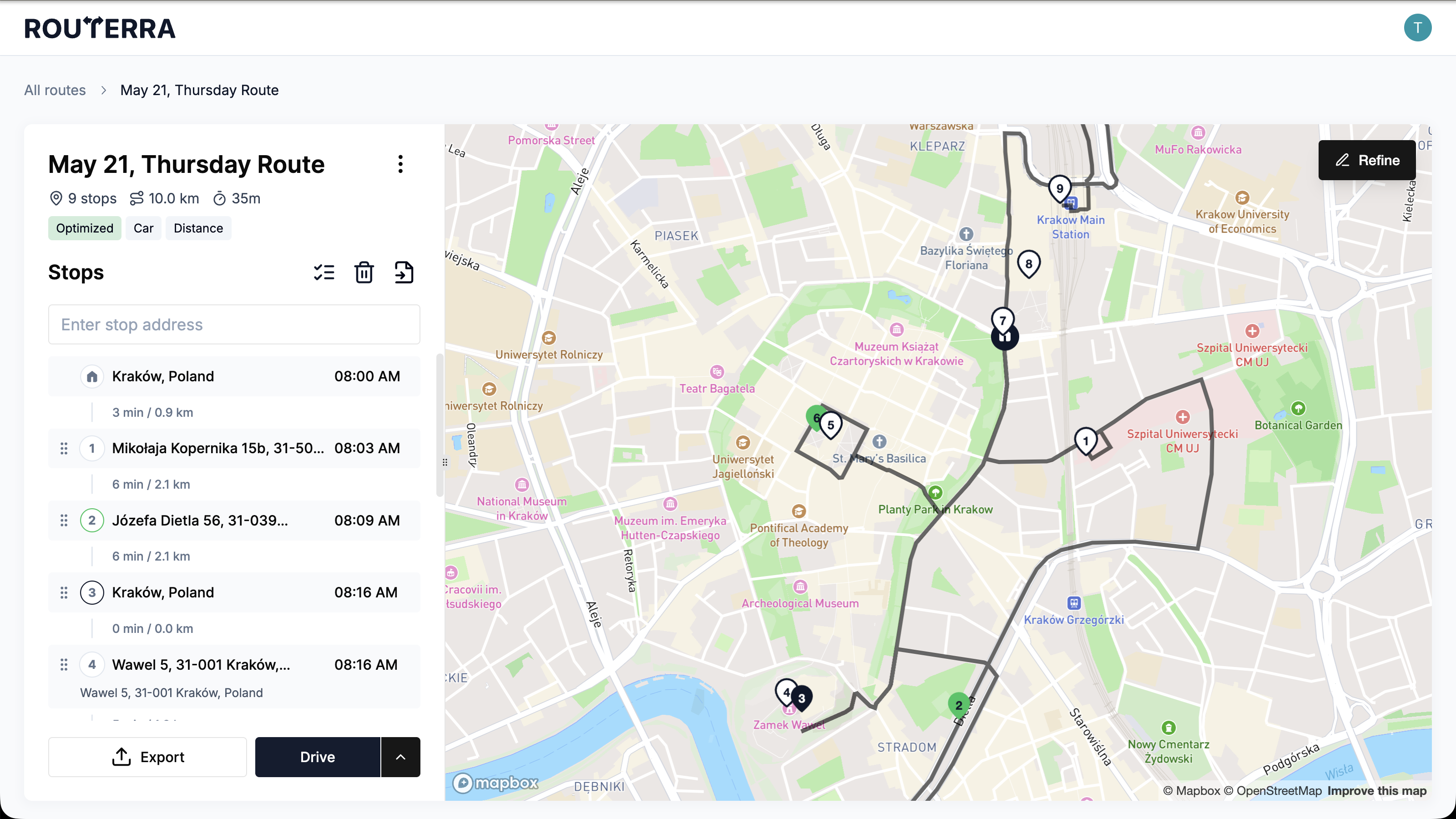
Press Optimize and Routerra reorders every stop for the fastest sequence it can find, respecting your route and stop settings. The route's status changes to Optimized. Re-running it later asks first, since each run spends one of your day's optimizations. See Optimize your route for the alternatives in the same menu and your daily limit.
Start driving
Press Drive to enter drive mode — the current stop's details, a way to navigate to it, and how many stops are left. On the app, the same button reads Optimize until the route has an order to follow, then it becomes Drive. See Drive your route for what the screen shows and how the session works on each platform.
Mark the first stop done
At the stop, record what happened before you move on: Done on web or Complete on the app marks it Delivered; Reject or Skip marks it Skipped. See Mark a stop delivered or skipped for the skip reasons and how to undo a mistake.
That's the whole loop. Repeat it for tomorrow's route, or open any of the linked articles above for the full detail behind that step.