
Create your account and sign in
Sign up, verify your email, sign in, and reset a forgotten password — including what to do when the app asks for a code you weren't expecting.
Everything you can do in Routerra starts with an account. Sign up with your email and a password, or use Apple, Google, or Facebook to skip typing one in.
Sign up with email and password
Open the sign-in widget and choose to create an account. Enter your email and choose a password, then submit.
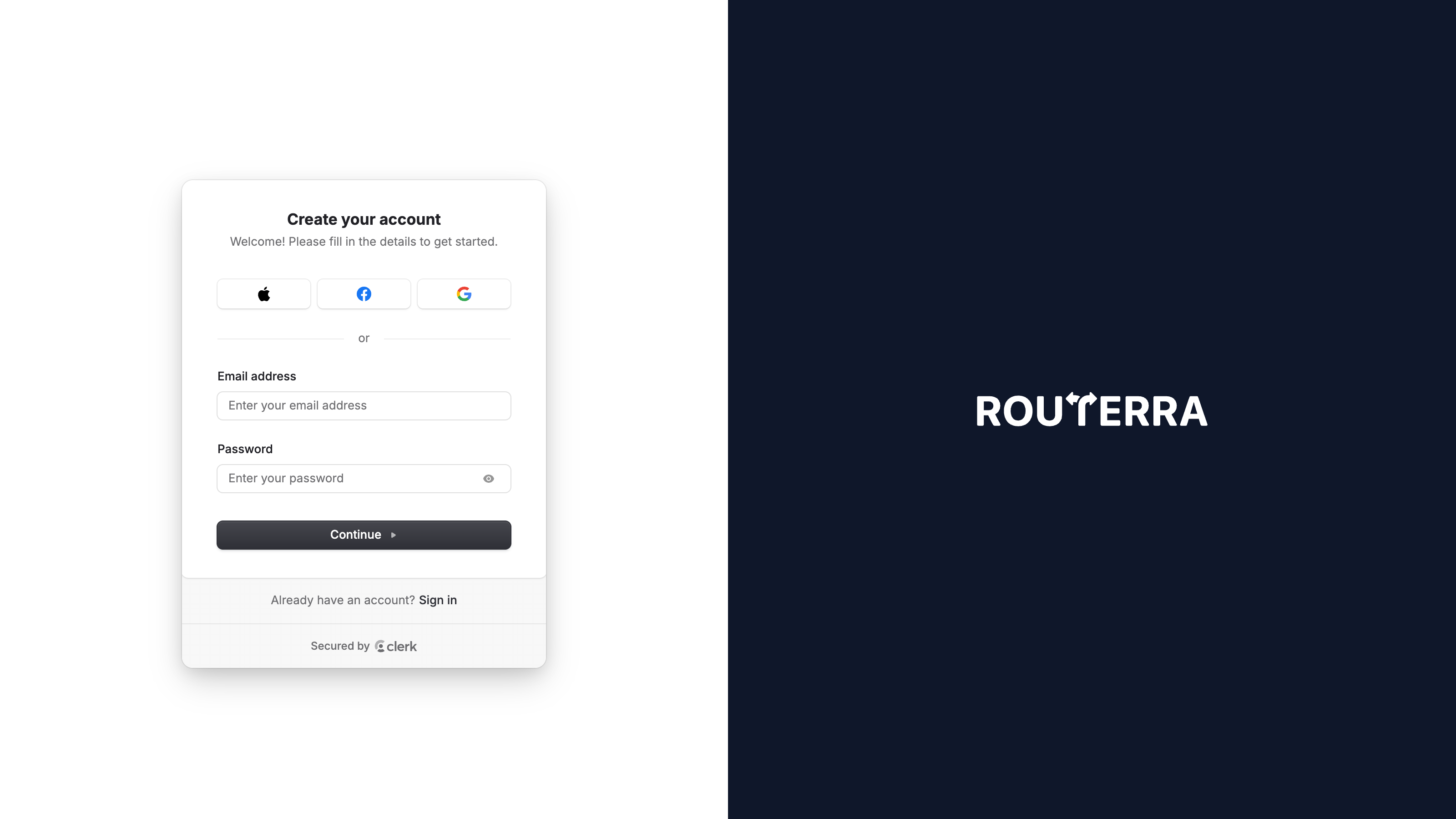
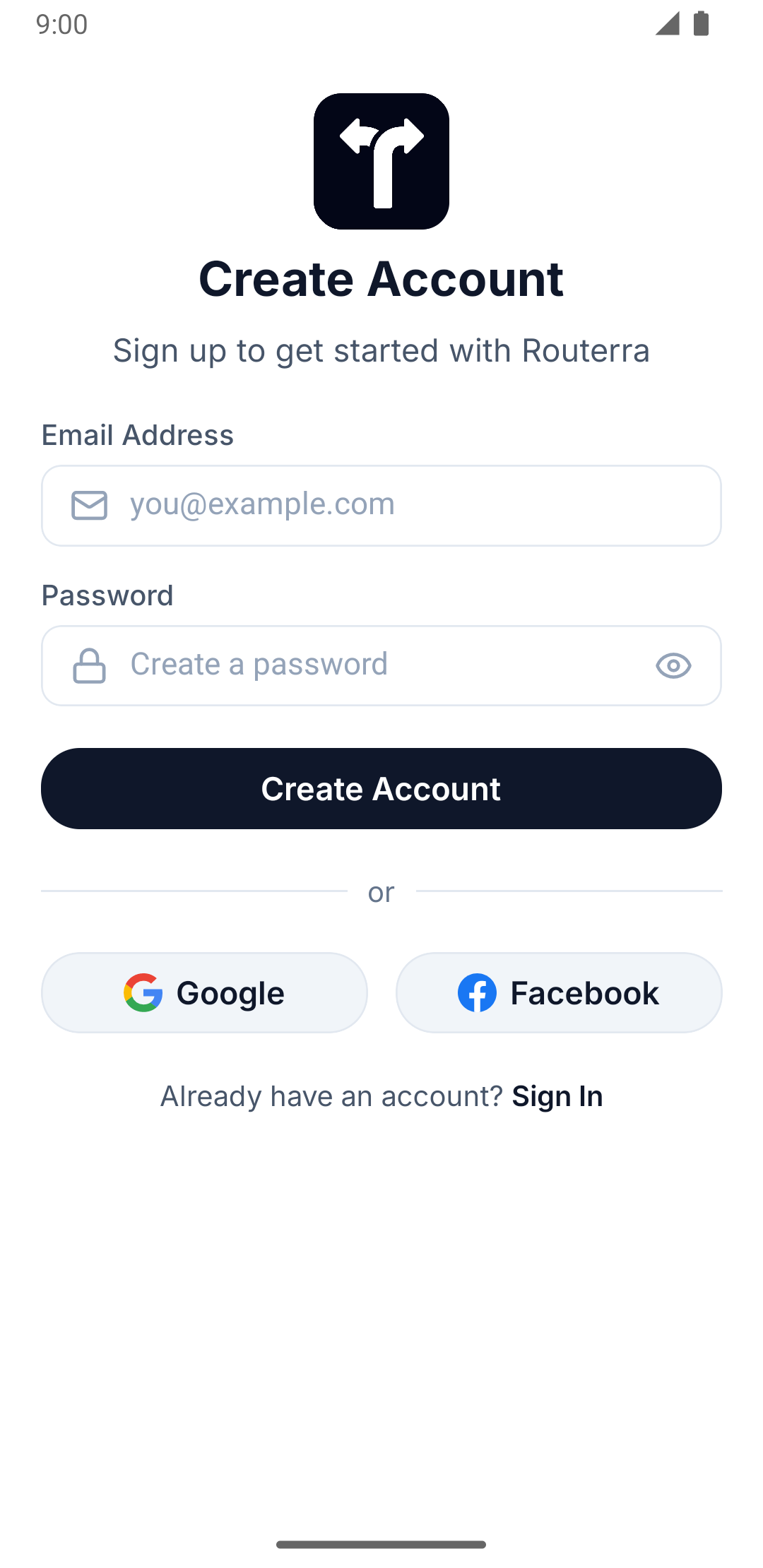
Open the app and, on the Create Account screen, enter your email and a password, then press Create Account.
After you submit, Routerra emails you a verification code. Enter it when prompted to finish creating your account. On mobile this is its own Verify Your Email screen with a Verification Code field and a Verify Email button — plus Resend Verification Code if the email doesn't show up; on web the same step happens inside the widget.
Sign in with email and password
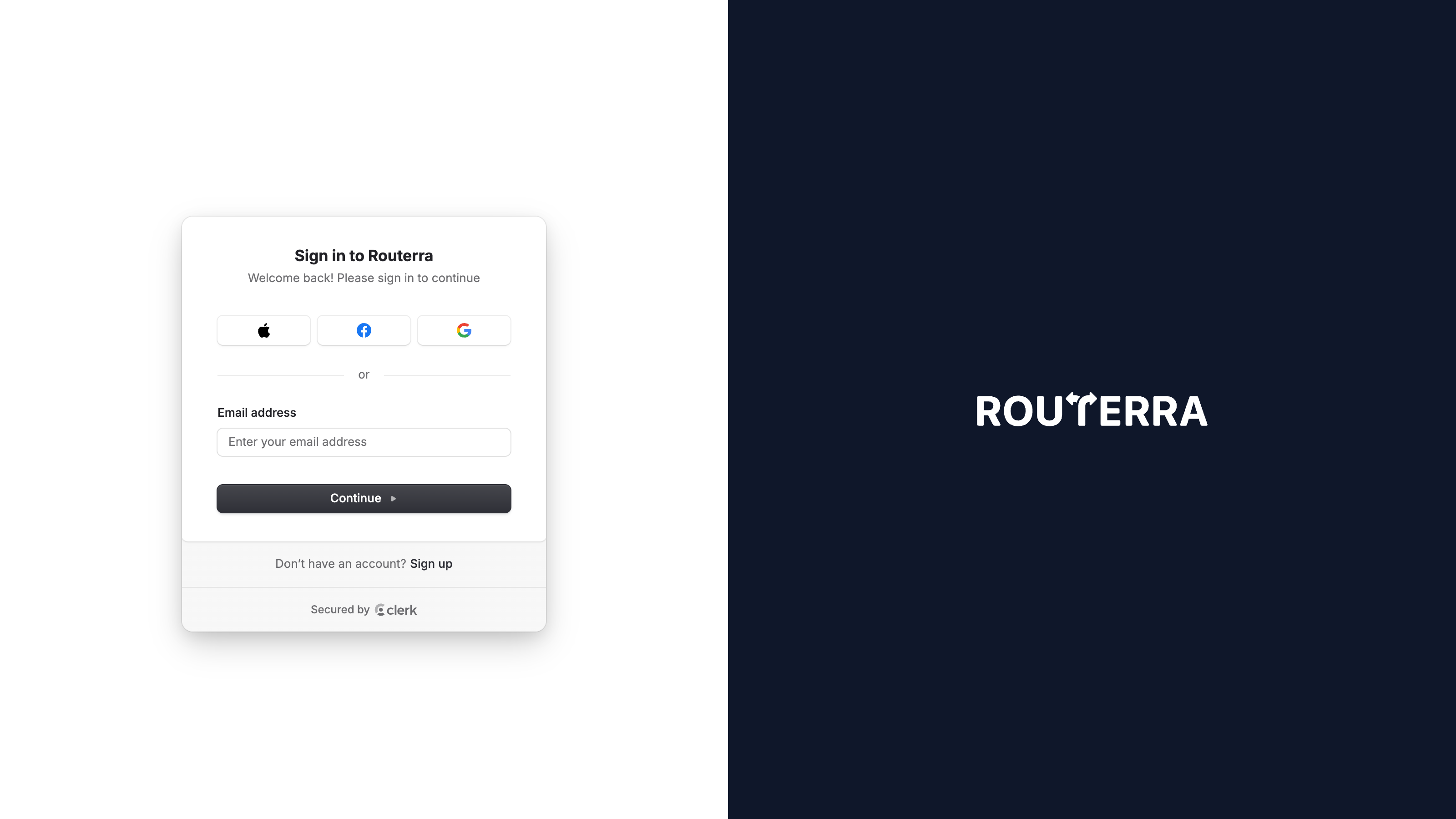
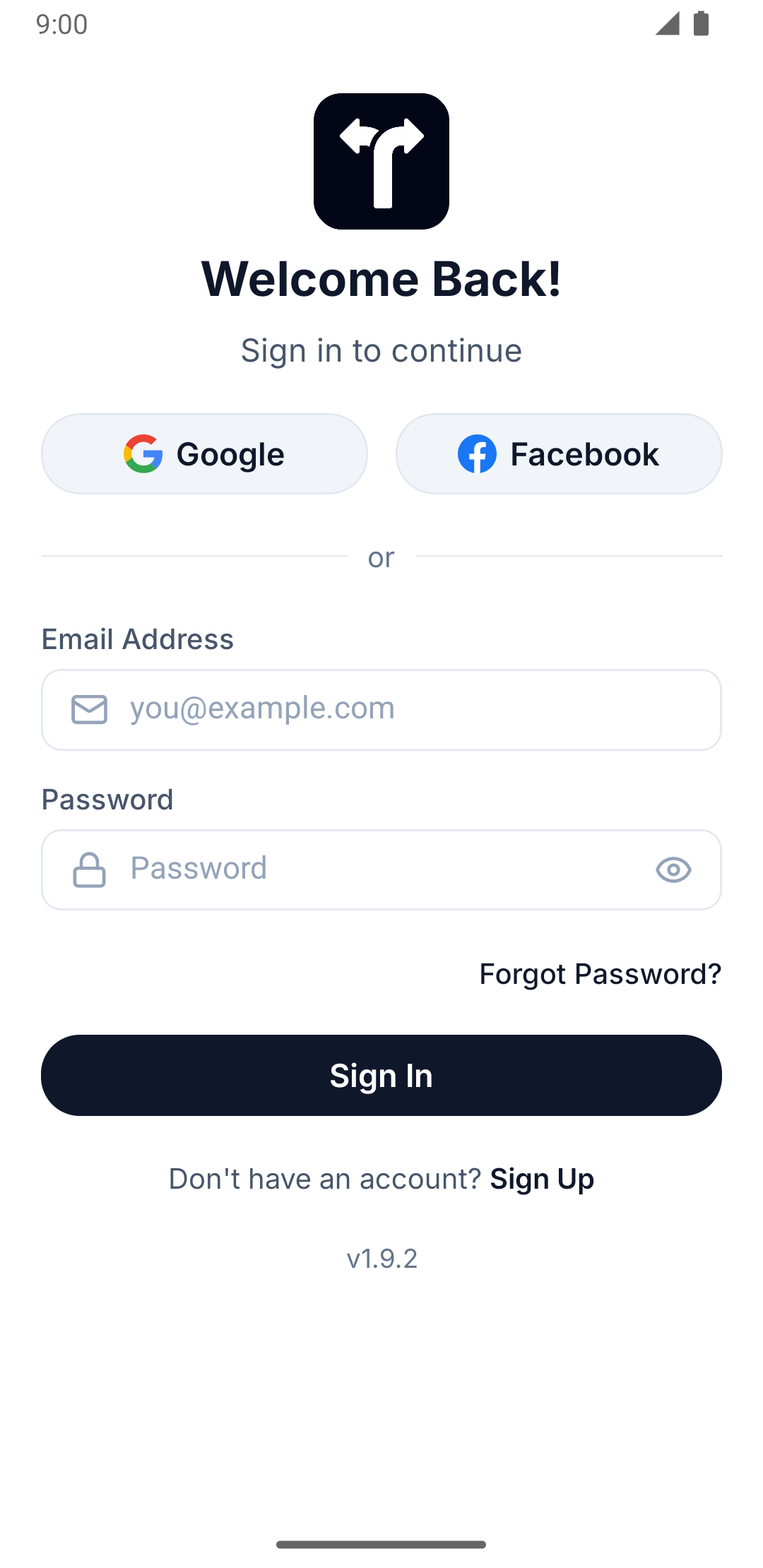
Already have an account? On web, open the sign-in widget and enter your email and password. On mobile, enter your Email Address and Password on the Welcome Back! screen and press Sign In.
Sign in with Apple, Google, or Facebook
Social sign-in skips the password entirely — the provider confirms who you are. The first time you use a provider it creates your account automatically, so there's no separate sign-up step. The buttons on offer depend on platform:
Apple, Google, and Facebook are all available from the sign-in widget.
The Google and Facebook buttons appear on the sign-in and sign-up screens on both platforms. On iOS there's a third — Continue with Apple — alongside them; Android has no Apple button.
Reset your password
Forgot your password? You can reset it from the sign-in screen.
Follow the sign-in widget's Forgot password? prompts — it walks you through confirming your email and choosing a new password. The prompt only appears once you've entered an email that has a password set; accounts that sign in by emailed code skip straight to the code step instead.
Tap Forgot Password? on the Welcome Back! screen
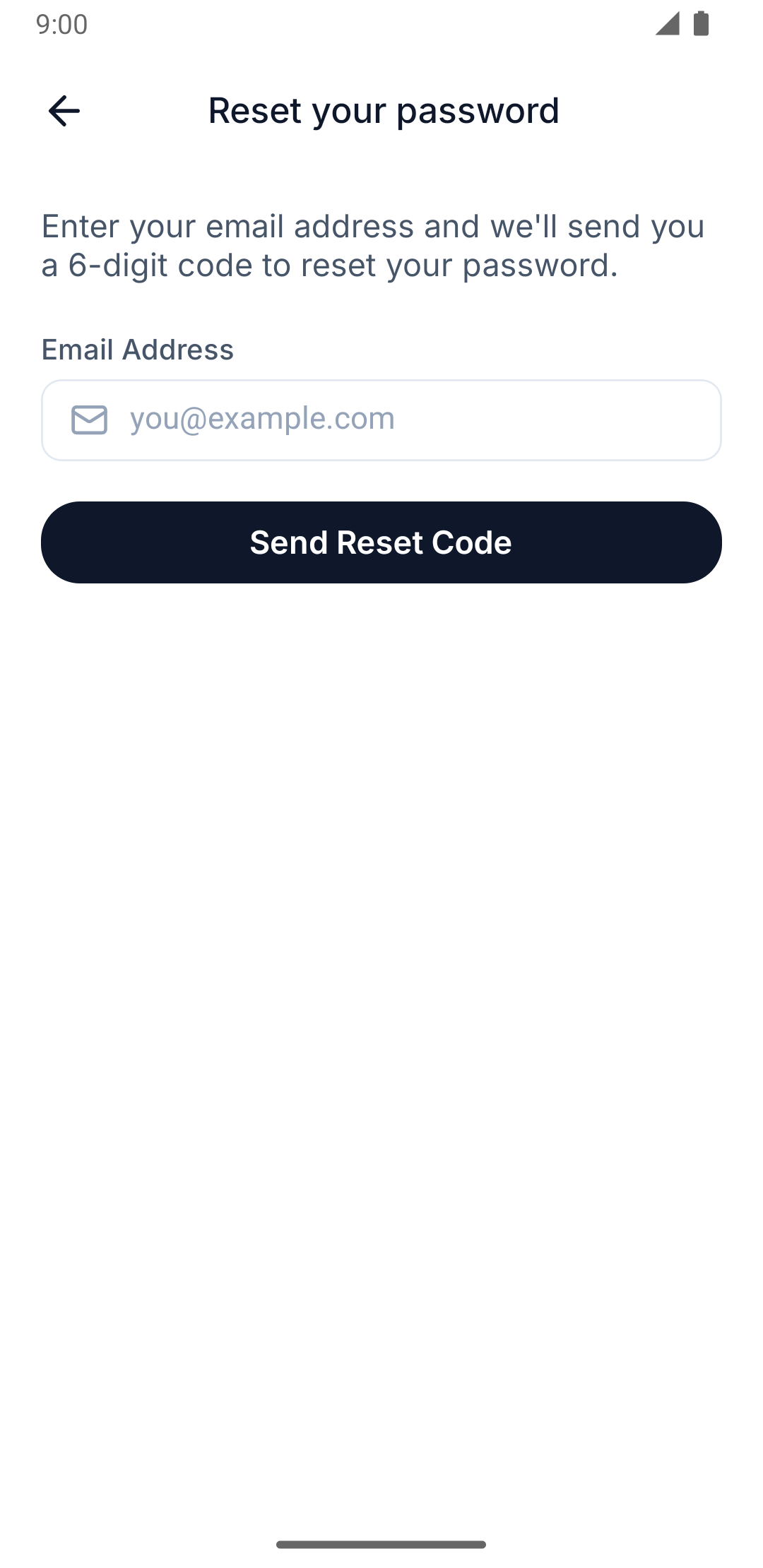
You'll land on the Reset your password screen — enter your email and press Send Reset Code. Routerra emails you a 6-digit code.
Enter the code on the Enter Reset Code screen
Check your email for the code and enter it.
Set a new password
On the Set New Password screen, enter and confirm your new password, then press Reset Password.
Signing in not working — asked for a code, or a reset that never arrives? See Can't sign in.