
Saved stops: reuse an address
Save an address once with its settings remembered, then add it to any route later — plus what the free plan's limit is and how to work within it.
If you visit the same warehouse, depot or customer every week, you shouldn't be retyping its address every week. Save it once and pull it onto any route later, with its settings already filled in.
Save an address
A saved stop needs two things: a name and an address. The name is how you'll find it later, so make it something you'd recognise in a list — the placeholders suggest the idea: "e.g., Home, Office, Warehouse" on web, "e.g., John's Warehouse" in the app. You can add notes as well.
Two rules apply on both clients:
- A name is required. Save without one and you'll be told so — the app is blunt about it: "Name and Address are required".
- Names must be unique. Reuse one and you'll get "A saved stop with this name already exists" in the app, or "Stop already saved" on the web.
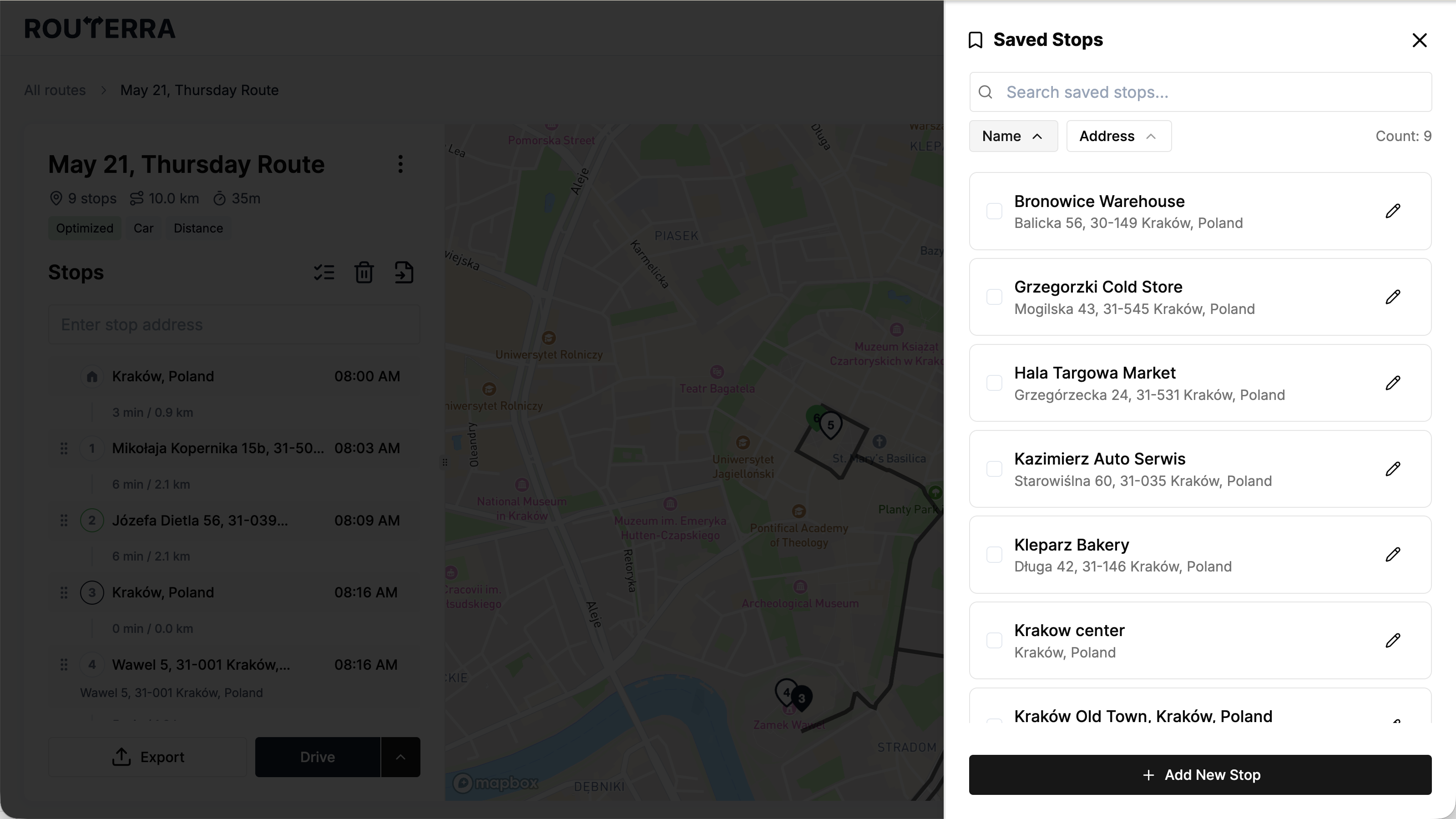
Saved stops open as a panel from the import menu. Use Add New Stop to create one, and the search box at the top to find one once the list gets long.
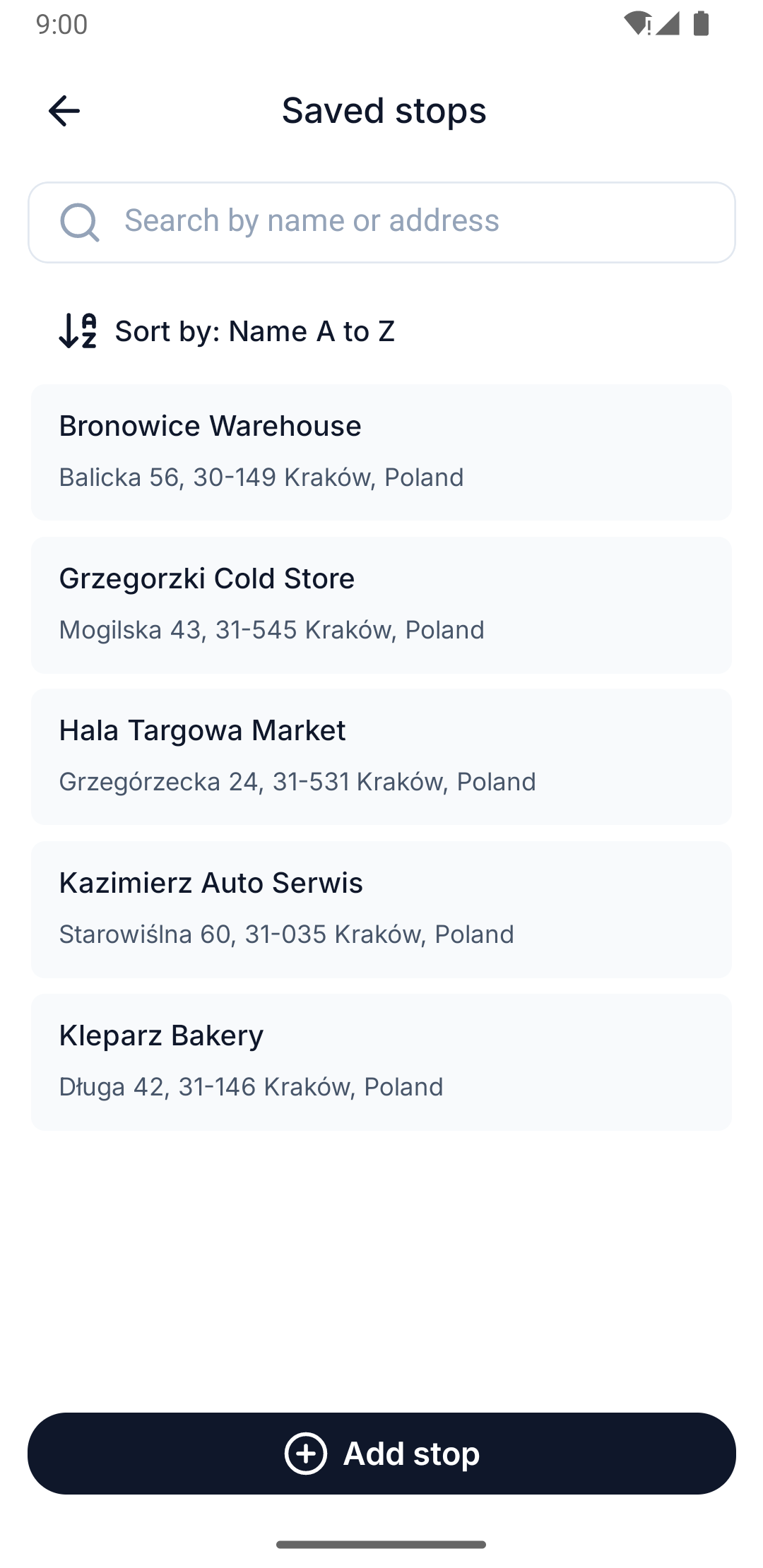
Saved stops are a section of their own in your Profile, with full screens rather than a panel. You can search by name or address, and sort the list — by name or by address, A to Z or Z to A.
Add saved stops to a route
From the add-stops flow, open your saved stops and pick the ones you want — you can select several at once and add them in one go. The button counts what you've picked, so it reads "Add 3 stops" rather than just "Add".
The phone app won't let you select more than your route has room for: it caps the selection at your remaining stop allowance, and going past it opens Route Stops Limit Reached. See Plans and limits for what your plan allows per route.
The free-plan limit
A free plan holds 10 saved stops. Reach it and you'll see Saved Stops Limit Reached — "Your current plan allows 10 saved stops. Upgrade your plan to save more." A paid plan lifts the cap. Existing saved stops keep working either way; you just can't add an eleventh.
Paid stop settings are gated here too
A saved stop can carry the same eight settings a route stop carries — which makes it a tempting way to get the paid ones onto a route without paying for them. It doesn't work that way: the four paid settings are gated on a saved stop exactly as they are on a route stop. See Stop settings for which four those are and what they do.
Saving needs a connection
Creating, editing and deleting a saved stop all require a connection, on both clients. Offline, the web app tells you outright — "Cannot save while offline" — and the phone app refuses the write rather than queueing it.
Reading is different. The phone app keeps its own copy of the list, so you can open your saved stops and look at them with no signal. The web app can't. Either way, nothing you type offline is stored, so make the change again once you're back on. See Using Routerra with no signal.