
Import 100+ Stops in Seconds
Paste addresses, upload files, or snap photos—our AI handles the rest. No spreadsheet formatting, no manual entry, just instant route-ready stops.
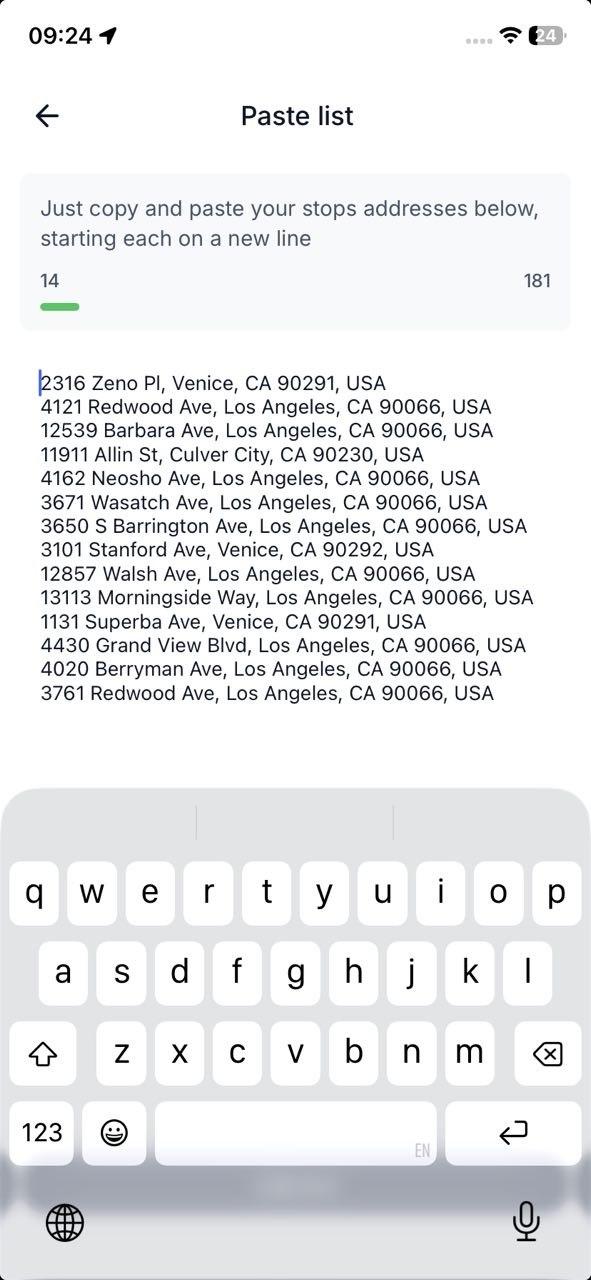
Paste List
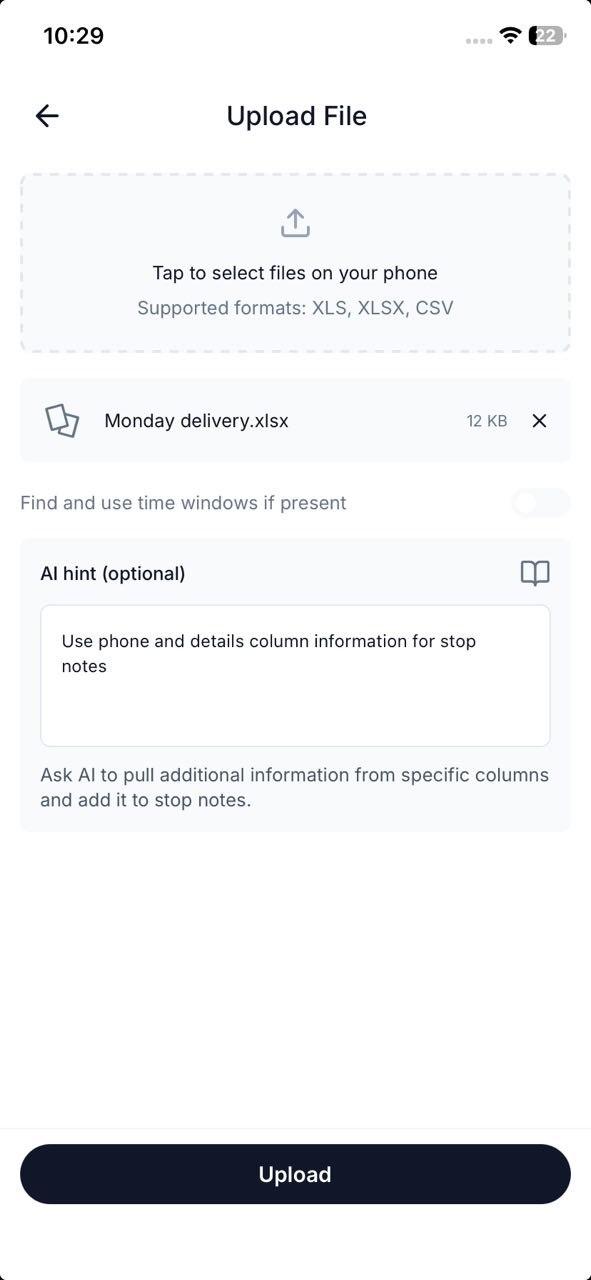
Upload Files
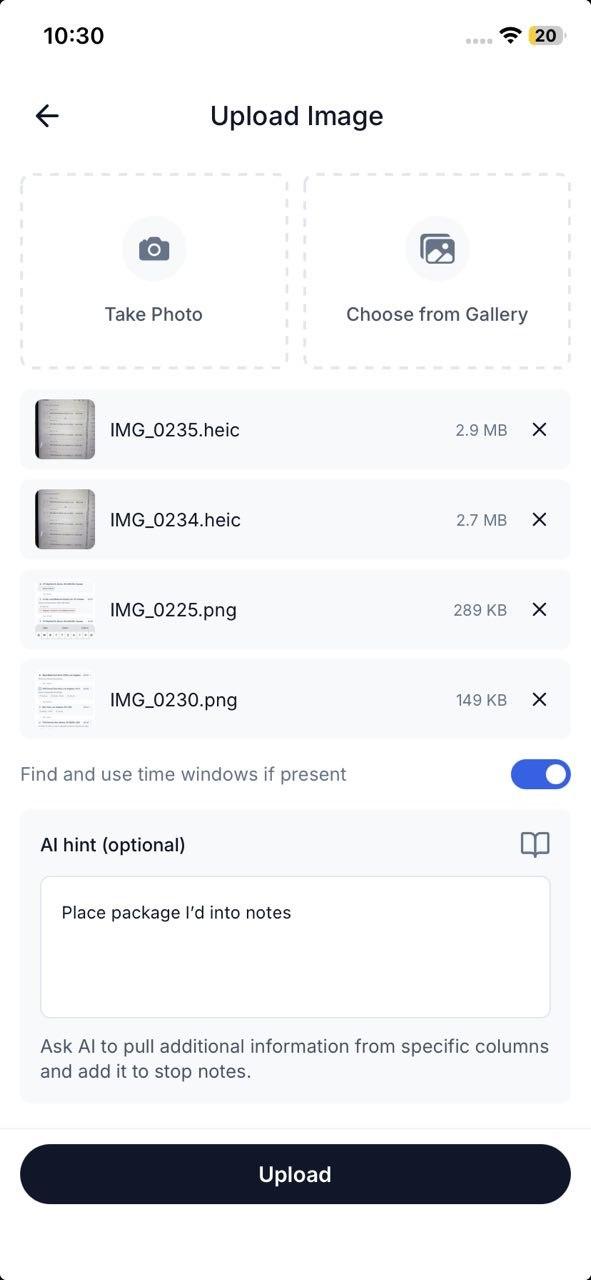
Upload Images
Optimize, Adjust, Export—Instantly
One-tap optimization, drag-to-reorder adjustments, and instant export — your route is ready however you need it.
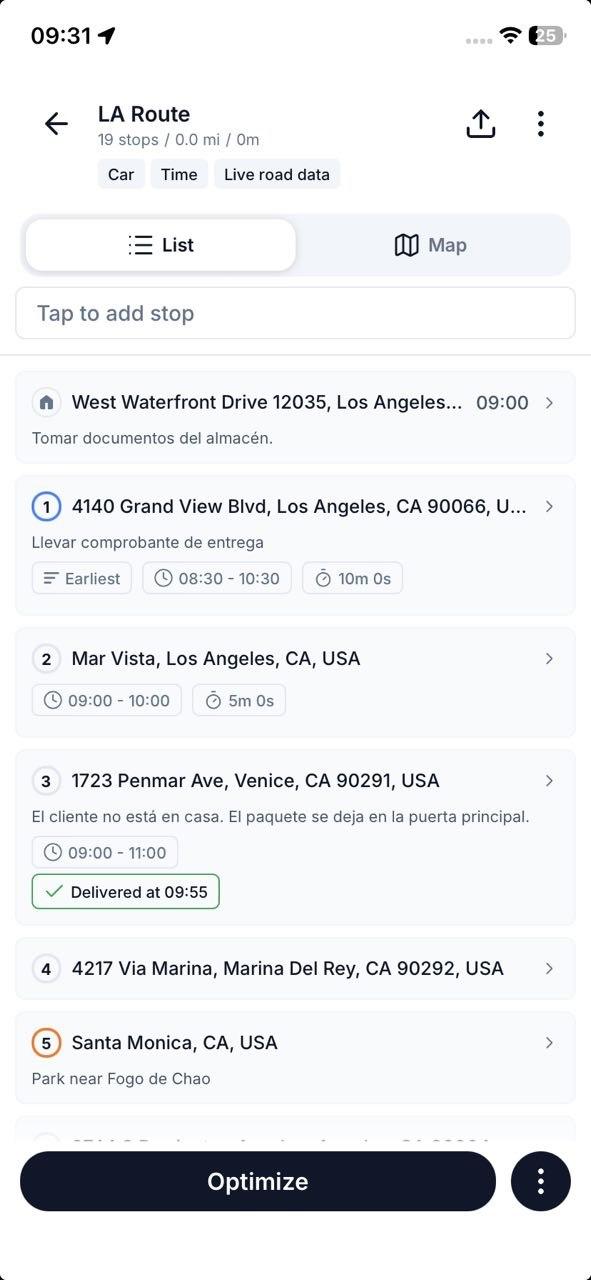
Route Optimization
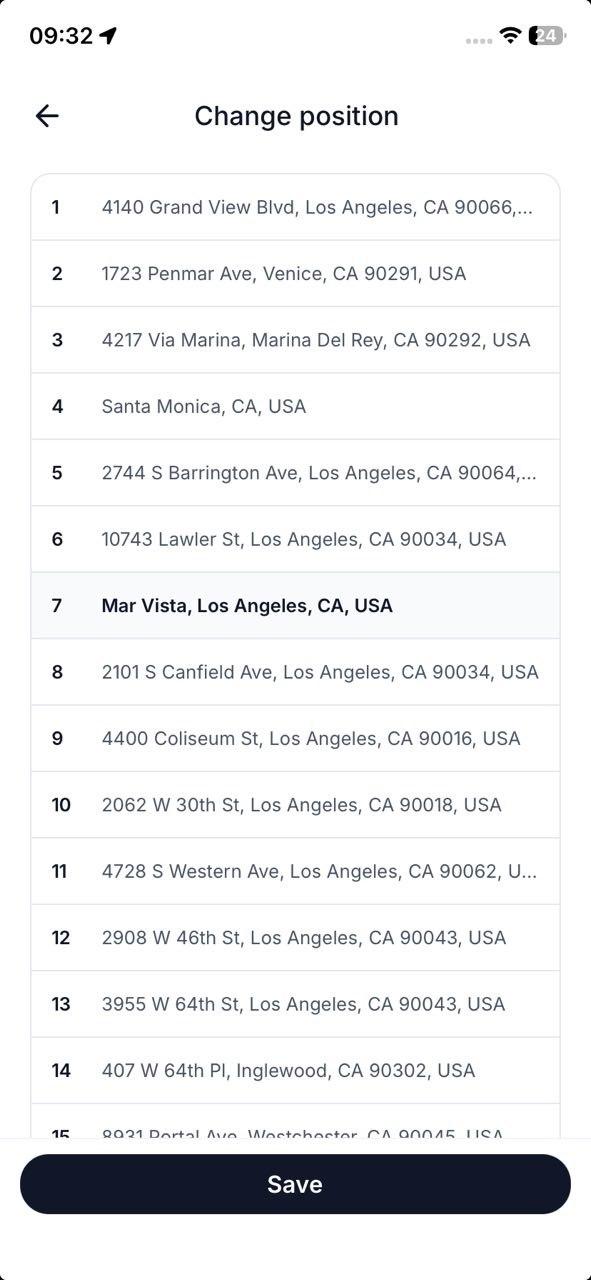
Manual Adjustments
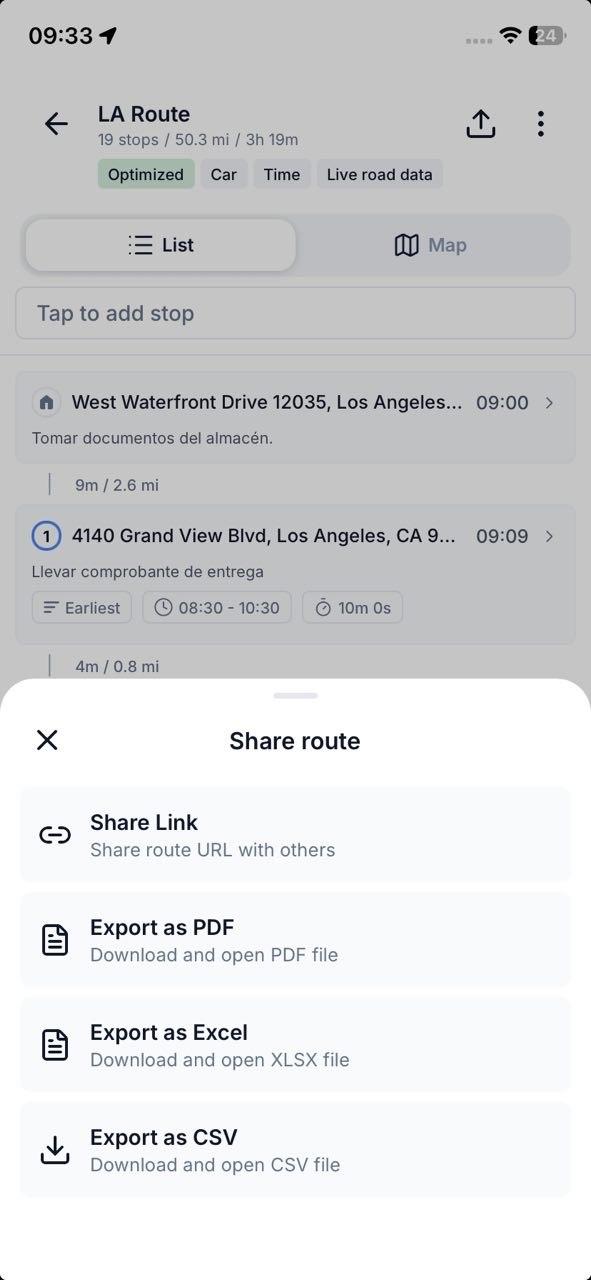
Export and Share
Navigate Like a Pro
Drive stop by stop, check in as you deliver, and hand each leg to the navigation app you already trust.
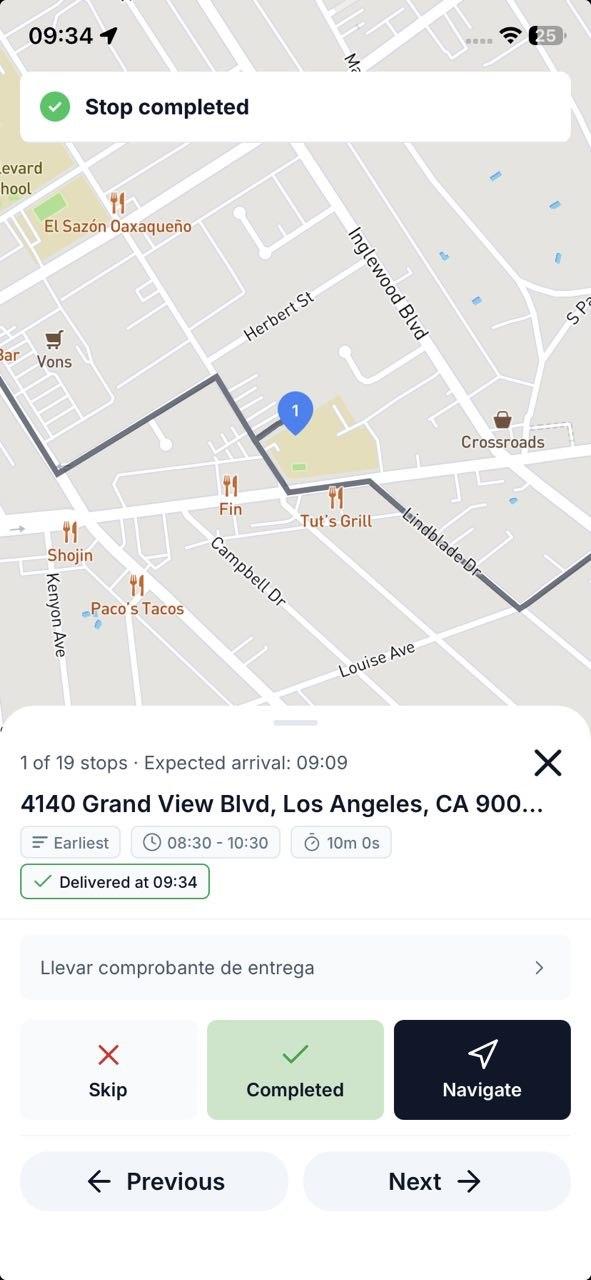
Turn-by-turn hand-off
Status check-ins
Stop notes
Next-stop flow
Turn-by-turn hand-off
Status check-ins
Stop notes
Next-stop flow
Fine-Tune When You Need To
Most routes work great with defaults. When you need precision, every stop has full control — time windows, priorities, parking side, and more.
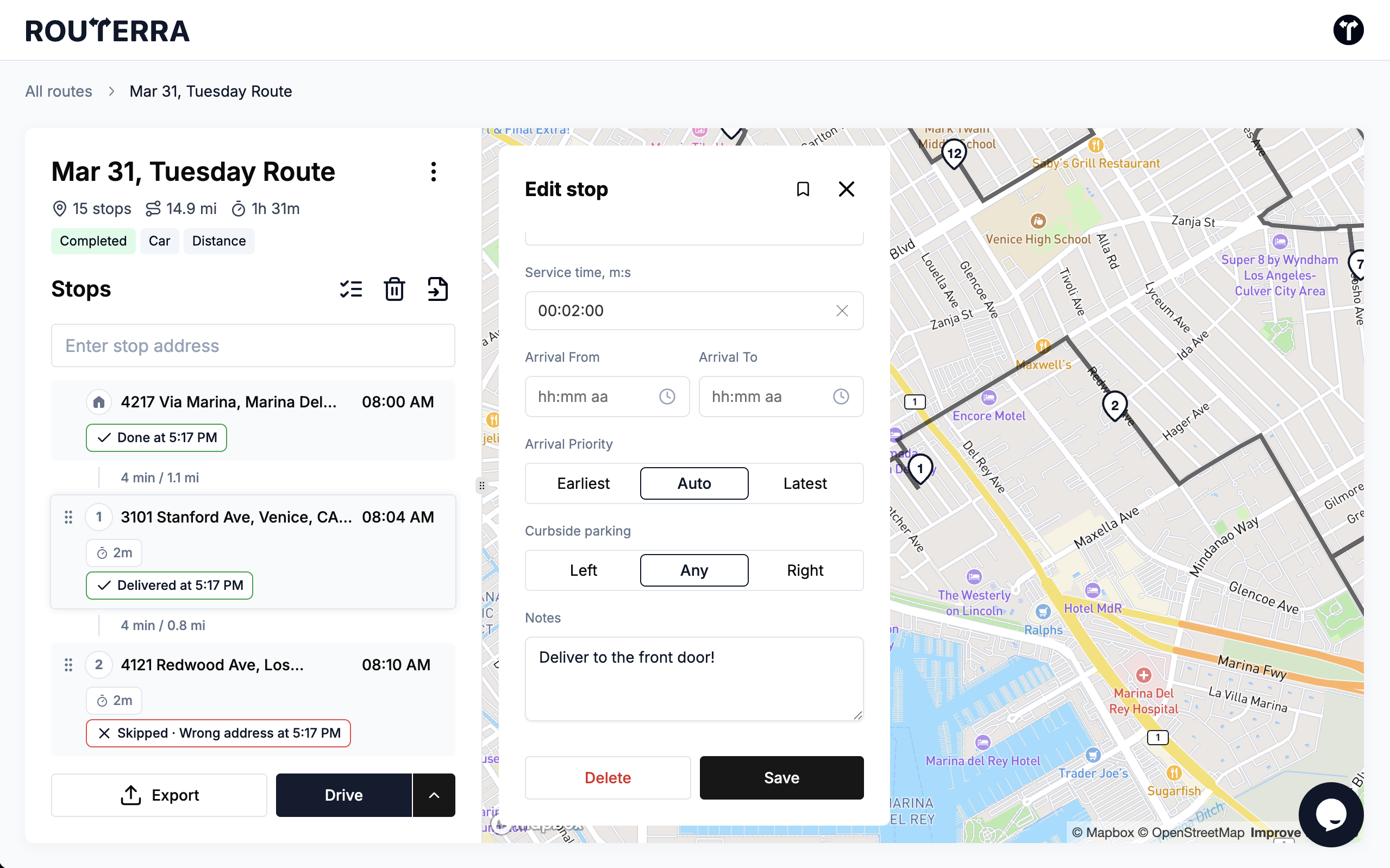
Address
Color On Map
Select Position
Service Time
Arrival From - To
Priority
Curbside Parking
Notes
Address
Color On Map
Select Position
Service Time
Arrival From - To
Priority
Curbside Parking
Notes
Set It Once, Optimize Forever
Configure your defaults and forget about them. Every new route inherits your preferences — start location, vehicle type, and routing rules.
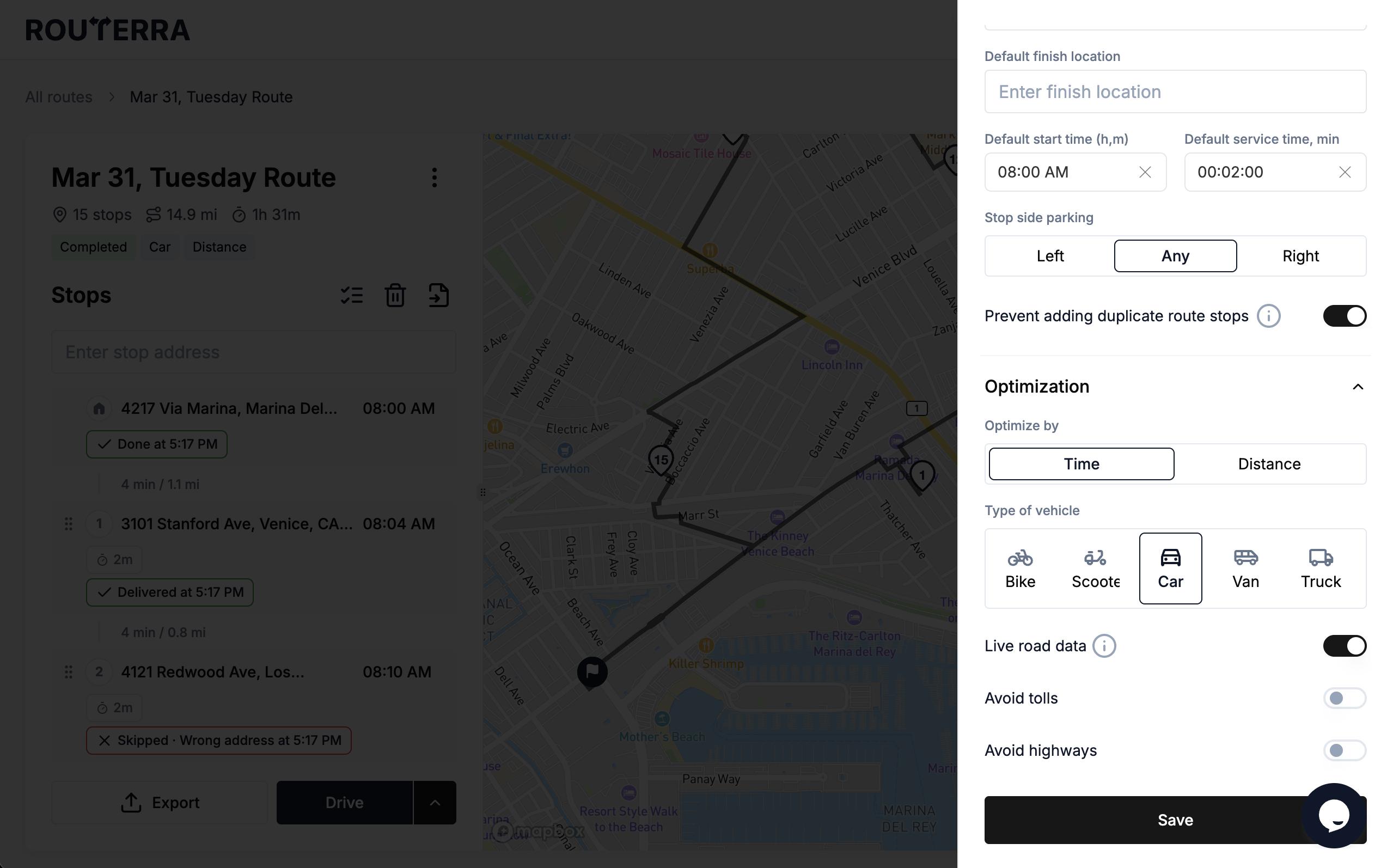
Default Location
Default Start and Service Time
Duplicate Stops and Stop Side Parking
Optimize By
Type of Vehicle
Avoid Options
Default Location
Default Start and Service Time
Duplicate Stops and Stop Side Parking
Optimize By
Type of Vehicle
Avoid Options
The Full Feature List
Every Routerra feature and the plan it ships in, stated plainly. Where something works through another app or has a limit, the note says so.
- Free & Pro
Route Optimization
One tap reorders your stops into the fastest drive.
- Free & Pro
Multi-Stop Planning
Up to 20 stops per route on Free, up to 200 on Pro.
- Free & Pro
Address Book
Save up to 1,000 recurring stops for reuse.
- Free & Pro
Drive Mode
Stop-by-stop driving screen with Navigate, Complete, and Skip on every stop.
- Free & Pro
Turn-by-Turn Navigation
Via hand-off: each stop opens in Google Maps, Waze, or Apple Maps — not an in-app engine.
- Free & Pro
Offline Mode
Planned routes keep working when there's no signal.
- Free & Pro
Route Export & Sharing
Export CSV or PDF, or share a route link.
- Free & Pro
Bulk List Import
Paste a list of addresses and add them all at once.
- Free & Pro
Route Statistics
See total distance, drive time, and stop count for every route.
- Free & Pro
Route Reversal
Reverse your stop order in one tap — great for return trips.
- Free & Pro
Duplicate Route
Copy any route to reuse it the next day with the same stops.
- Free & Pro
Dark Mode
A dark theme on mobile for comfortable night driving.
- Free & Pro
Voice Input
Add stops by voice on mobile — speak addresses hands-free.
- Free & Pro
Bulk Stop Actions
Select multiple stops to complete, skip, or delete them at once.
- Pro
Time Windows
Set arrival windows per stop — the optimizer plans around them.
- Pro
Stop Priority
Mark stops as high-priority so they're served first.
- Pro
Bulk Import (CSV / Excel / PDF)
Upload a spreadsheet and your stops land in one list.
- Pro
OCR Import (Photos & Camera)
Snap labels or screenshots; the addresses are read for you.
- Pro
AI-Powered Stop Extraction
AI pulls addresses out of pasted text, manifests, and images.
- Pro
Saved AI Prompts
Save and reuse AI prompts for faster repeat imports.
- Pro
Split Route
Divide a long route into smaller sub-routes — web only.
- Pro
Traffic-Aware Optimization
Real-time traffic is factored into the optimized order.
- Teams
Proof of Delivery
Drivers capture photos and notes at each stop. Not part of Free or Pro.
- Teams
Live Progress Tracking
Status-based: you see stops complete in real time, not a GPS dot on a map.
- Teams
Customer Notifications
Automatic SMS and email updates to your customers.
- Teams
Multi-Driver Dispatch
Plan for the whole fleet and send each driver their route.
- Teams
API & Webhooks
REST API plus signed webhooks for your own systems.
- Teams
Data Source
Connect your own system and pull stops directly into a plan.
- All plans
Web, iOS & Android Apps
The web app runs at app.routerra.io; native apps on both stores.
- All plans
Multi-Language Support
Available in English, Spanish, Portuguese, French, German, Italian, Polish, and Ukrainian.