
Delete your account
Remove your account and its data, what happens to your saved routes, and why deleting the account does not cancel a subscription bought in a store.
You can delete your Routerra account yourself, from the app or from the web. It removes the account and the data attached to it, and it can't be undone.
Before you delete
Deleting takes your routes with it. If any of them are worth keeping, get them out first:
- Export them as PDF, Excel or CSV — that's the only copy that survives.
- Saved stops go too. If you've built up an address book worth keeping, export the routes that use them, or write them down.
Delete the account
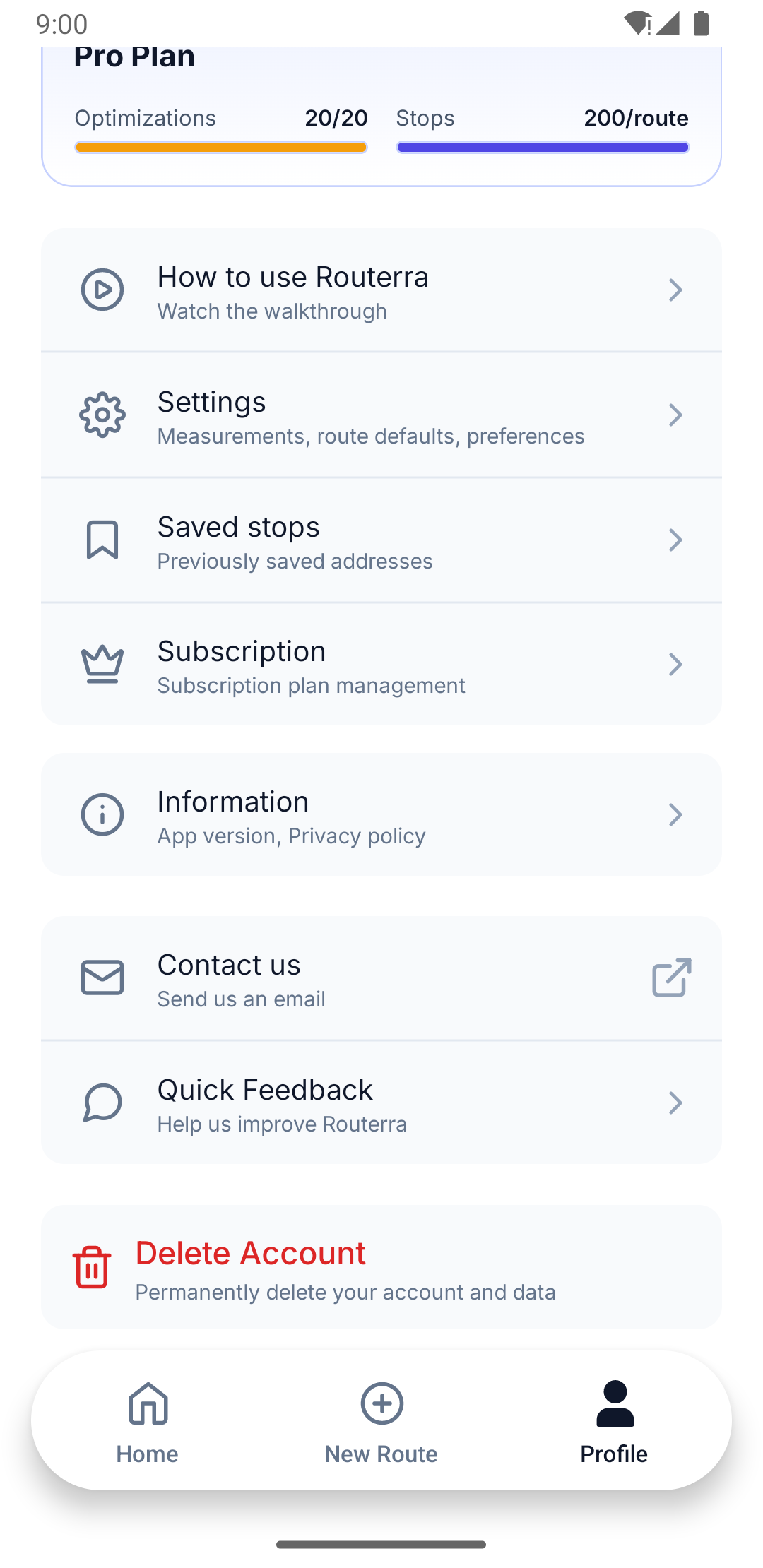
Open Profile and find Delete Account — "Permanently delete your account and data". Confirm when asked: "This will permanently delete your account and all associated data. This action cannot be undone."
If you want the detail on what's removed before you commit, there's a Deletion Policy link — "Account and data removal" — under Information in the same Profile screen.
Open your account menu from the avatar in the header and go into managing your account. Account deletion is in the security section of that panel, and it asks you to confirm before anything happens.
If it fails — "Failed to delete account. Please try again." — it's usually a connection problem. Try again on a good connection.
What happens next
The account and its data are removed. Signing in afterwards won't work, and there's no undo, so the address you used is free to start over with as a new account if you want to.