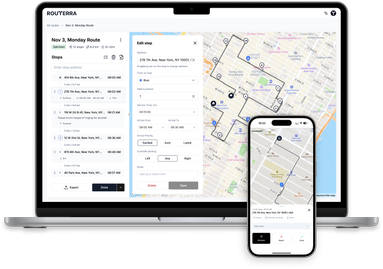
See your progress at a glance — plus a full video tutorial
Two things landed this cycle: a map that shows where you stand, and a proper guided tour for everyone just getting started.
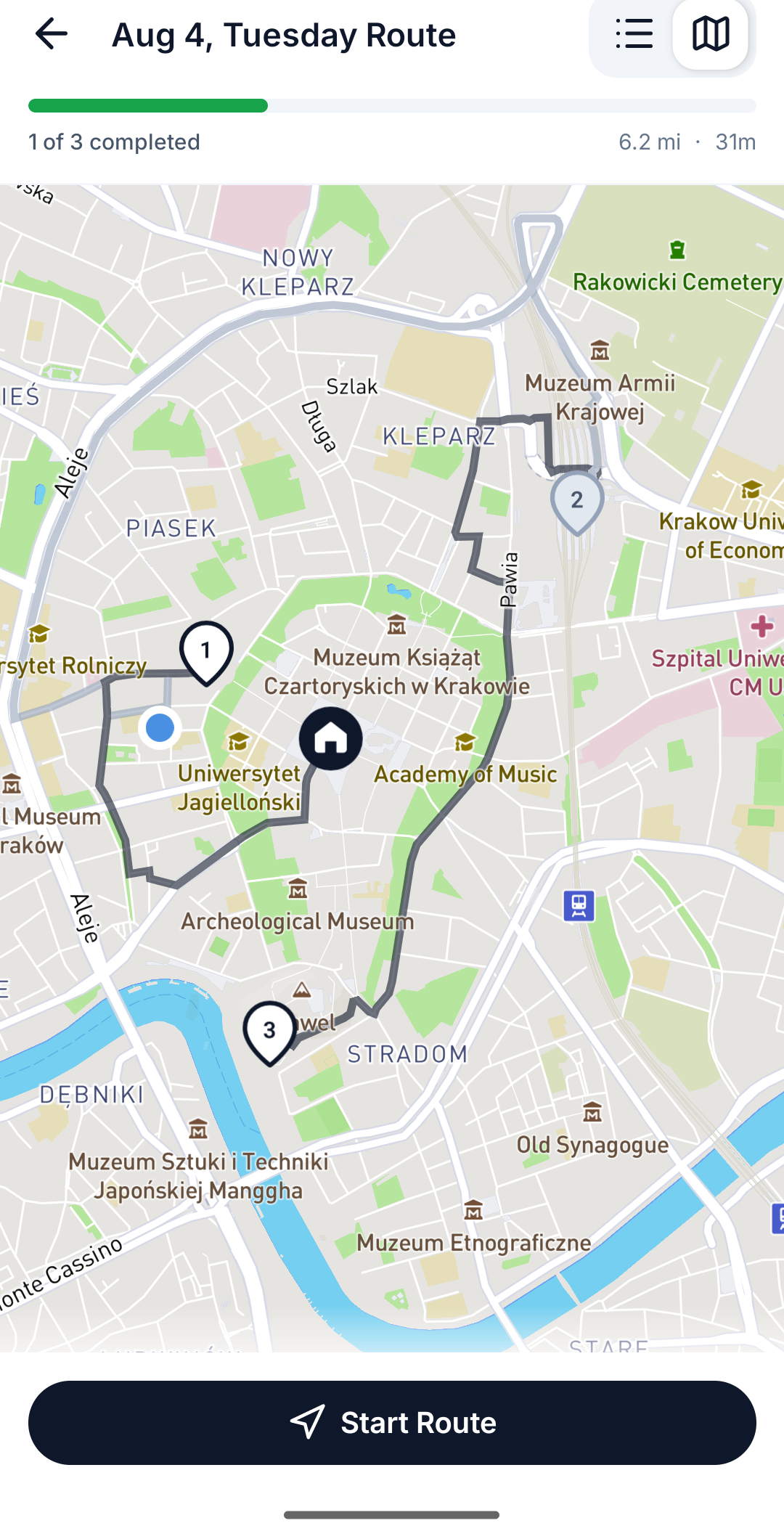
The map now shows your progress
As you work through a route, completed stops turn gray — and so do the route segments you've already driven. Your eyes go straight to what's left. At a glance you can tell whether you're halfway done or on the home stretch, without counting pins.
New here? Watch the tour
There's a new "How to use Routerra" video tutorial built into the app. First-time users get a one-time prompt on the home screen, and it's always available at the top of your Profile — worth a watch even if you've been around, as it covers a few tricks most drivers miss.
A more generous Free plan
The Free plan's daily limit grew to 20 stops per route, and your profile now shows a clear plan card: what plan you're on, how much of today's quota you've used, and when it refills. No surprises mid-planning.