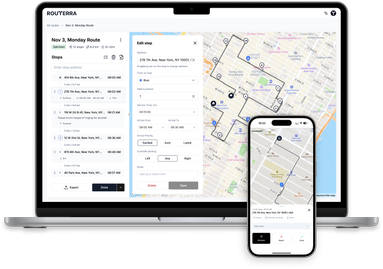
Find and add stops right on the map
Building a route used to mean typing addresses into a form. Now the map itself is a planning surface.
Search without leaving the map
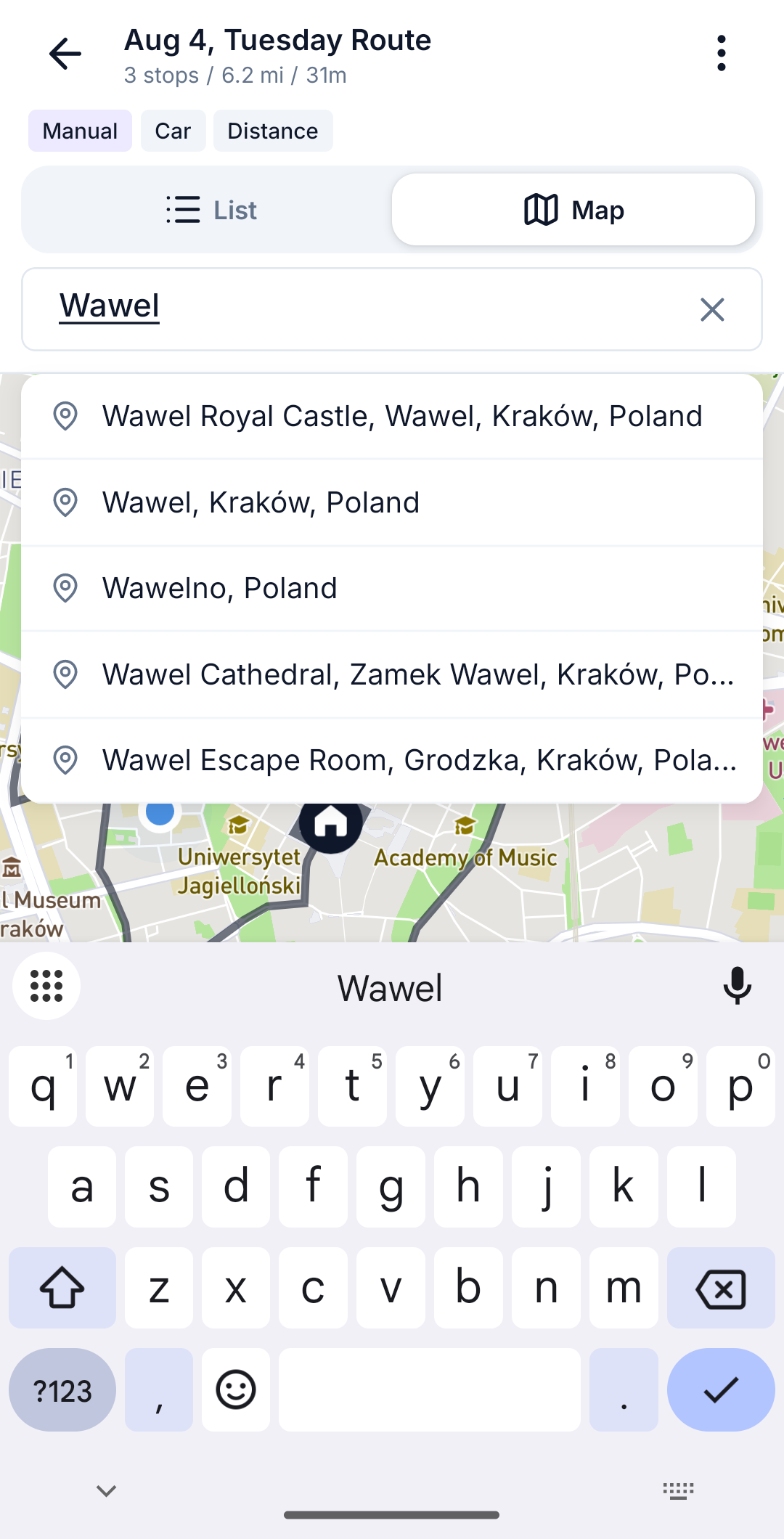
Open the Map tab and there's a search bar at the top. Start typing and you get instant suggestions — including matches from your own address book, so regular customers appear first. Pick a result and the map flies straight to it, pin raised above the keyboard, ready to be added to the route with one tap.
Finer camera control
New zoom in / zoom out buttons sit under the fit-all control, for the moments when pinching is one gesture too many — like when you're wearing gloves on a cold morning.
"Postponed" joins the stop statuses
Skipping a stop isn't always final. The new Postponed status marks a stop you intend to return to later in the day, keeping it visually distinct from stops that are simply skipped — and keeping your end-of-day summary honest.