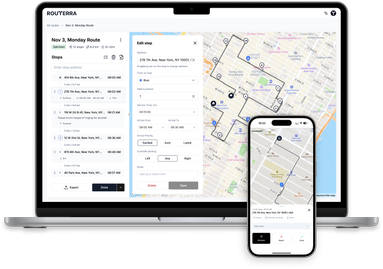
A cleaner route screen: List and Map, side by side
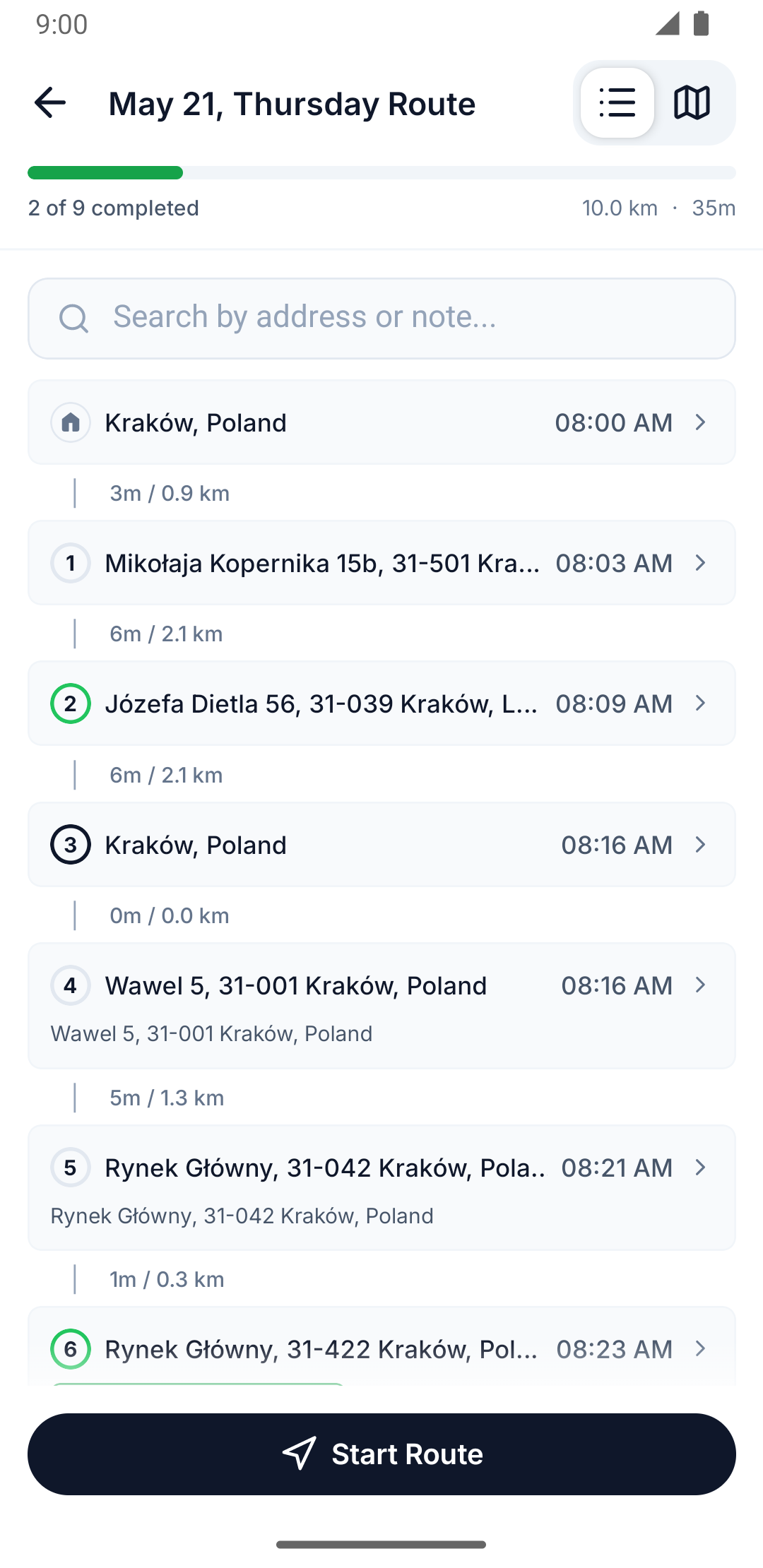
The route screen is where you spend your whole driving day, so it earned a ground-up redesign.
List and Map, always in reach
Your stops now live in two tabs — List and Map — and both stay loaded, so switching is instant and never resets your scroll position or the map camera. A new fit-all button pulls the camera back to show every stop on the route in one tap.
Reverse your route
Planned a route in one direction and want to drive it the other way? One tap on Reverse order flips the whole sequence — handy when you start from the far end of your area.
Dark mode is here
Choose light, dark, or follow your phone's system setting. Late-night drivers asked, we listened: the whole app, including the map, respects your choice.
Quality of life
Beyond the visible changes we cut the waiting: screens open faster, the app starts into a single clean loading screen, optimization shows a proper success confirmation, and signing in with Google now happens natively — no browser popup.