
Routerra on iPad, and a Drive Mode that tells you when you'll finish
v2.3NewImproved
Routerra on iPad
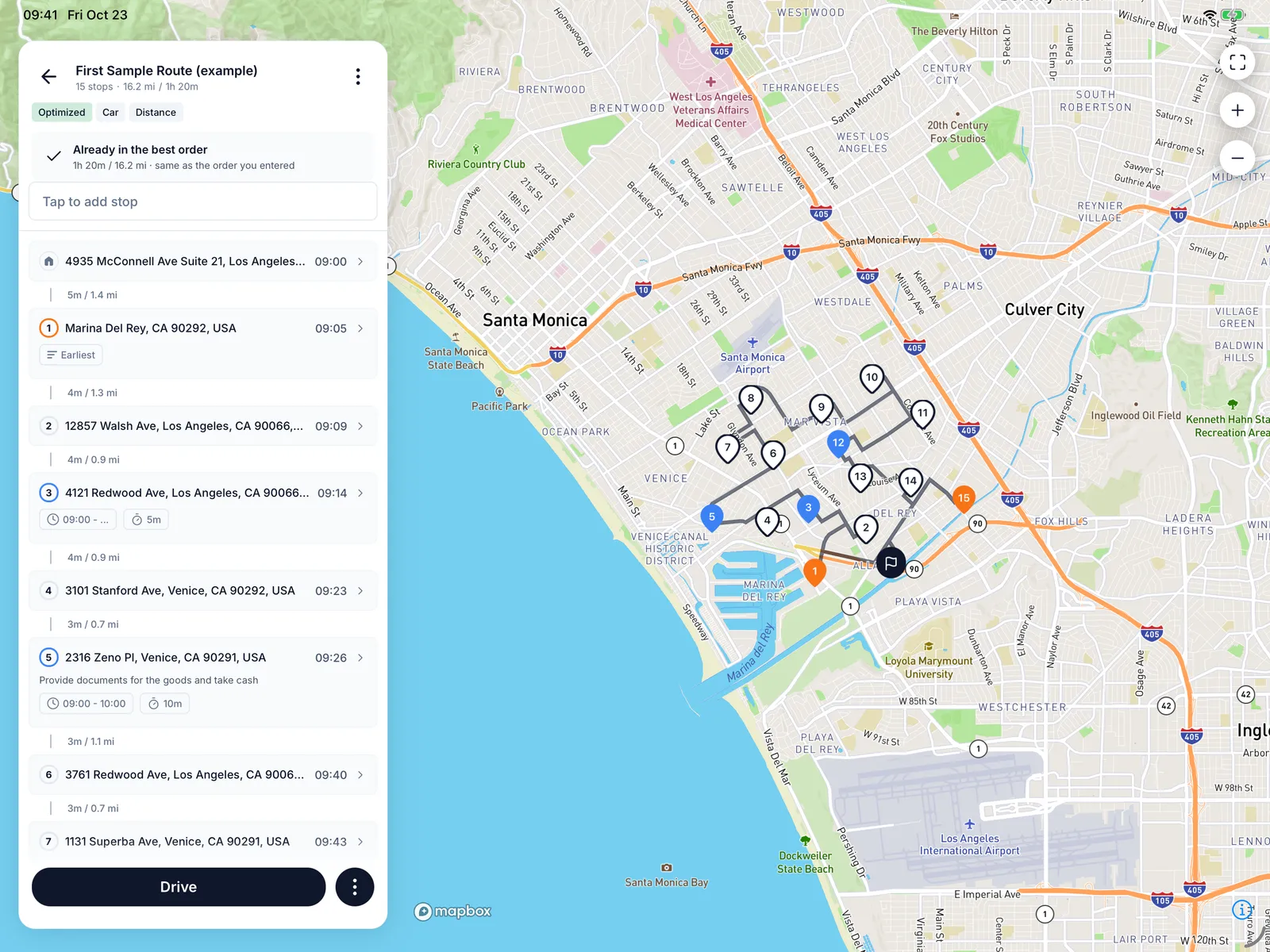
Routerra now runs on iPad in landscape. The map fills the screen and your stops sit in a panel on the left, so you can read the list and see the route at the same time. Planning a long day at the kitchen table is easier on a bigger screen, and the route is on your phone when you leave.
Know when you'll finish
Drive Mode now shows the time you will finish the route, updated as you complete stops. A satellite view sits one tap away on the map, for gated estates, back entrances and loading docks that look the same on a street map.
Undo where you are
Tapped Complete too soon? Undo is now on the Lock Screen (iOS 17 and later) and in the pinned notification on Android, not only inside the app. Undo stays until your next action, so there is no countdown to race.
Smaller things
- Completed and failed stops are marked on the map, so what is left stands out.
- The first time you tap Navigate, Routerra asks which navigation app to use and lists only the apps you have installed.
- Faster start-up and many fixes.