
Customer delivery updates, a tracking page and live GPS
September brought your customers into the loop and put your drivers on the map in real time.
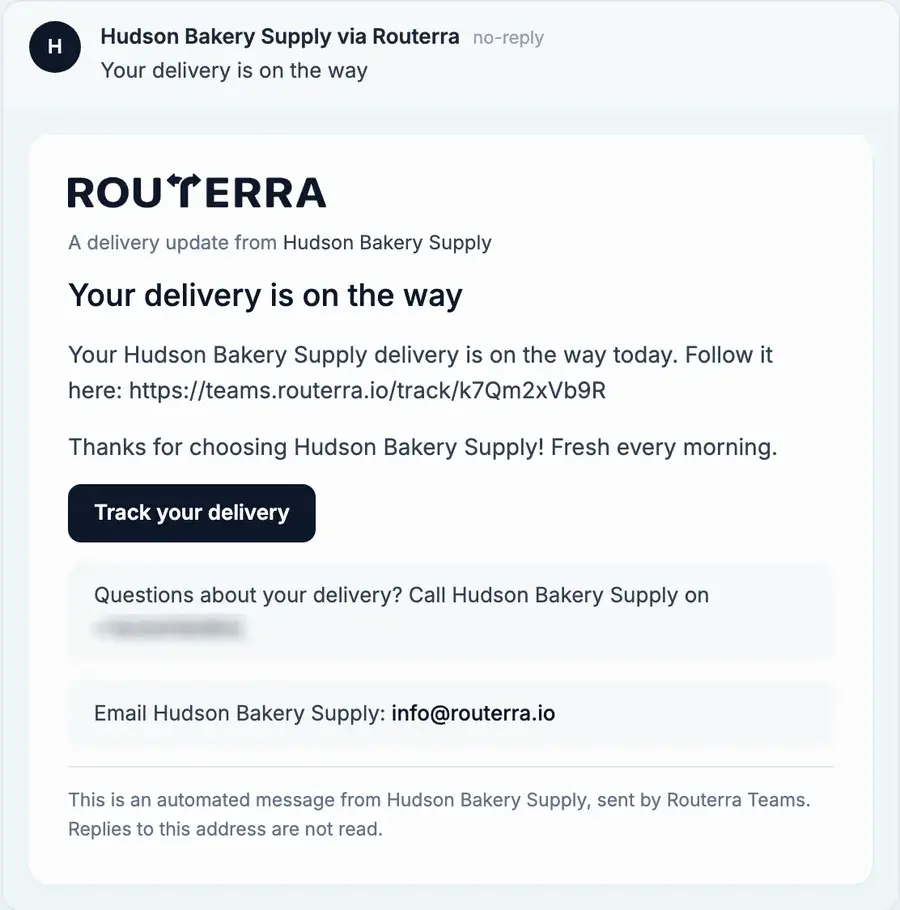
Delivery updates for your customers
Routerra can email or text each customer when their delivery is on the way, delivered or couldn't be delivered. Turn it on per plan, see how many stops have an email or phone number, and keep anyone who asked not to be messaged off the list. See customer notifications.
A tracking page for every delivery
Each update links to a page where the customer can check whether the delivery is on the way, done or couldn't be made — no app, no sign-in.
Live driver positions, plan versus actual
The plan map shows where each driver is, which way they're heading and how fast, with the road they actually drove drawn over the planned route. Stop pins show their delivery status and every route gets its own colour. See live tracking.
Select stops with a lasso, then move or edit them
Draw around stops on the plan map to select them, then move them to another driver or change their settings in one go. See bulk operations.
Drivers can reorder, you can restore
You decide whether drivers may change their stop order. When one does, the route is marked as reordered by the driver, and you can put the planned order back in one click. See driver route editing.
PDF import and search by name
Upload a PDF manifest the same way as a spreadsheet, and find a stop in a plan by its name as well as its address or note.
How it works, step by step: Customer notifications by email and SMS in the help center.