
Signature
The customer signs on the driver's phone
The signature is saved on the stop with the signer's name, the time and the driver who collected it. In the office it sits in the stop's attachments, next to any photos.
More on the driver app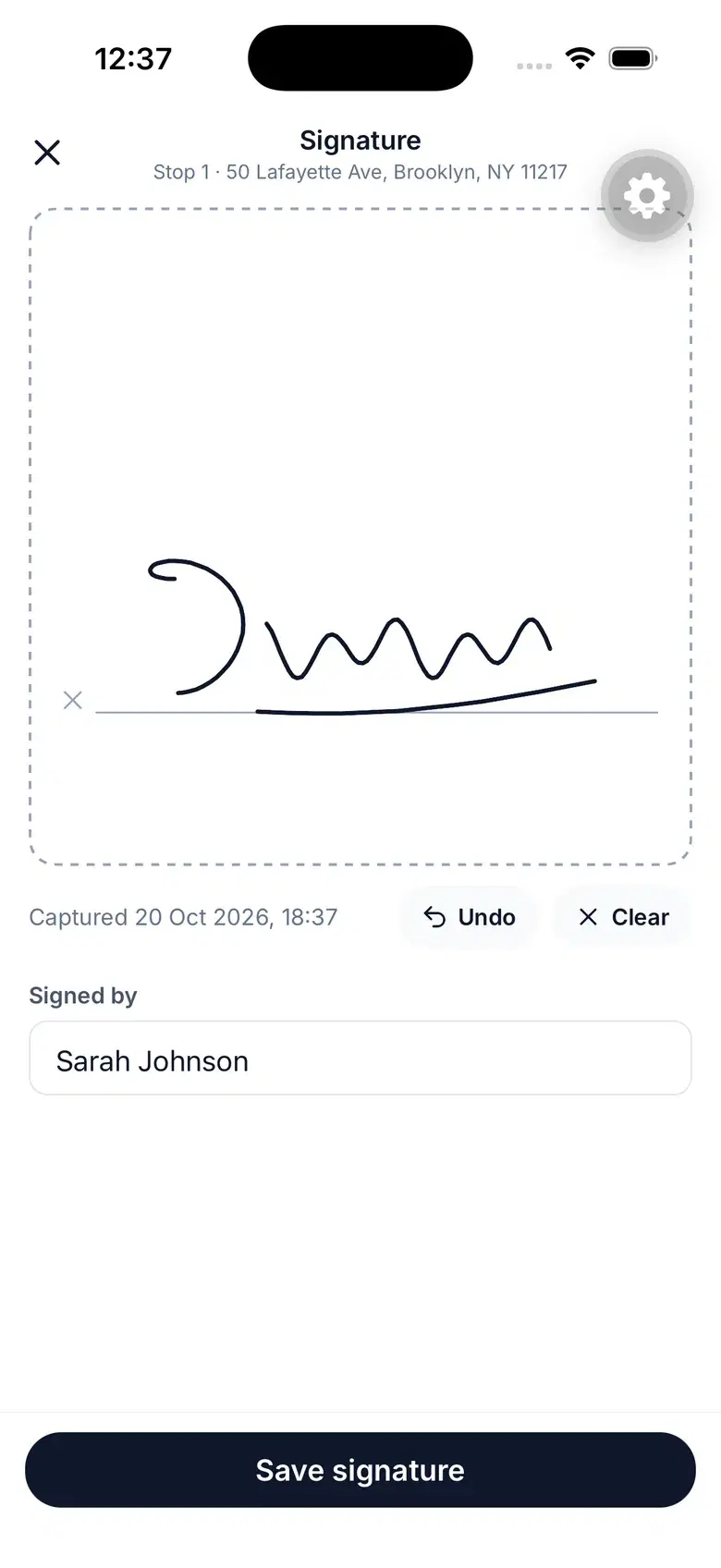
Drivers close each stop with a photo, the customer's signature or a note — and when they can't deliver, a reason. The office sees it on the stop as soon as it syncs.
7 days free · card required, cancel before day 7 to pay nothing · $20/driver/mo billed annually ($240 per driver a year), plus applicable tax
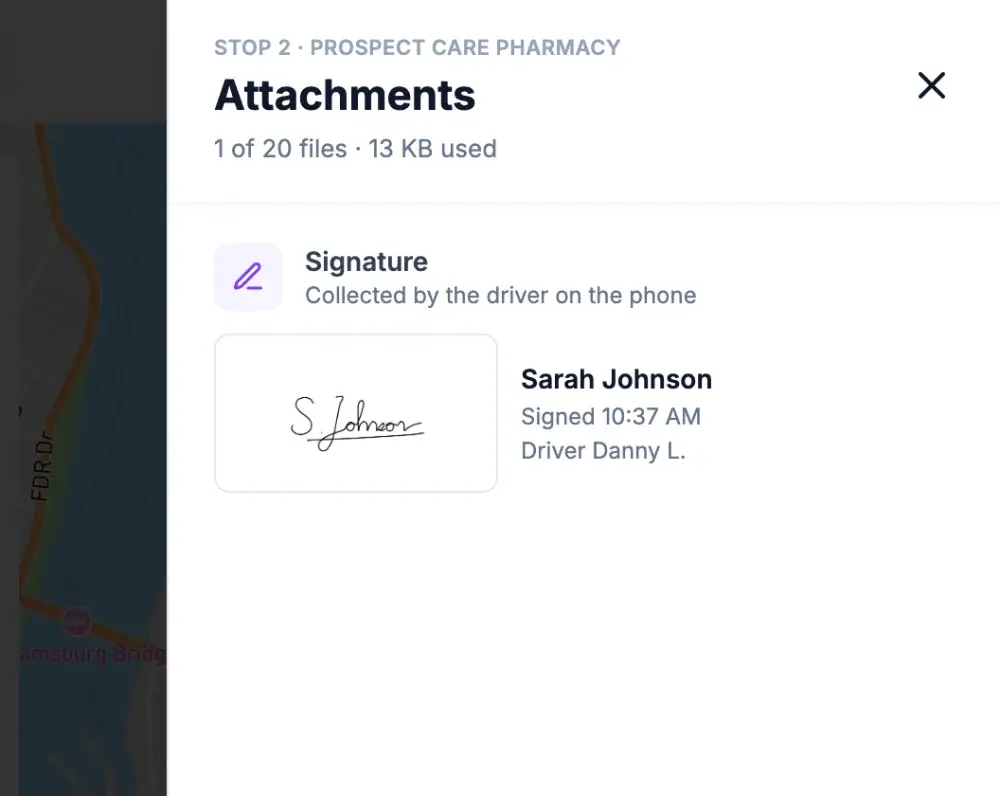
The signature is saved on the stop with the signer's name, the time and the driver who collected it. In the office it sits in the stop's attachments, next to any photos.
More on the driver appDrivers add photos of the hand-off or the drop spot, a note or a PDF — up to 20 files per stop. Office files like gate codes travel with the stop, read-only for the driver. Photos open in a lightbox and documents download.
Read the guide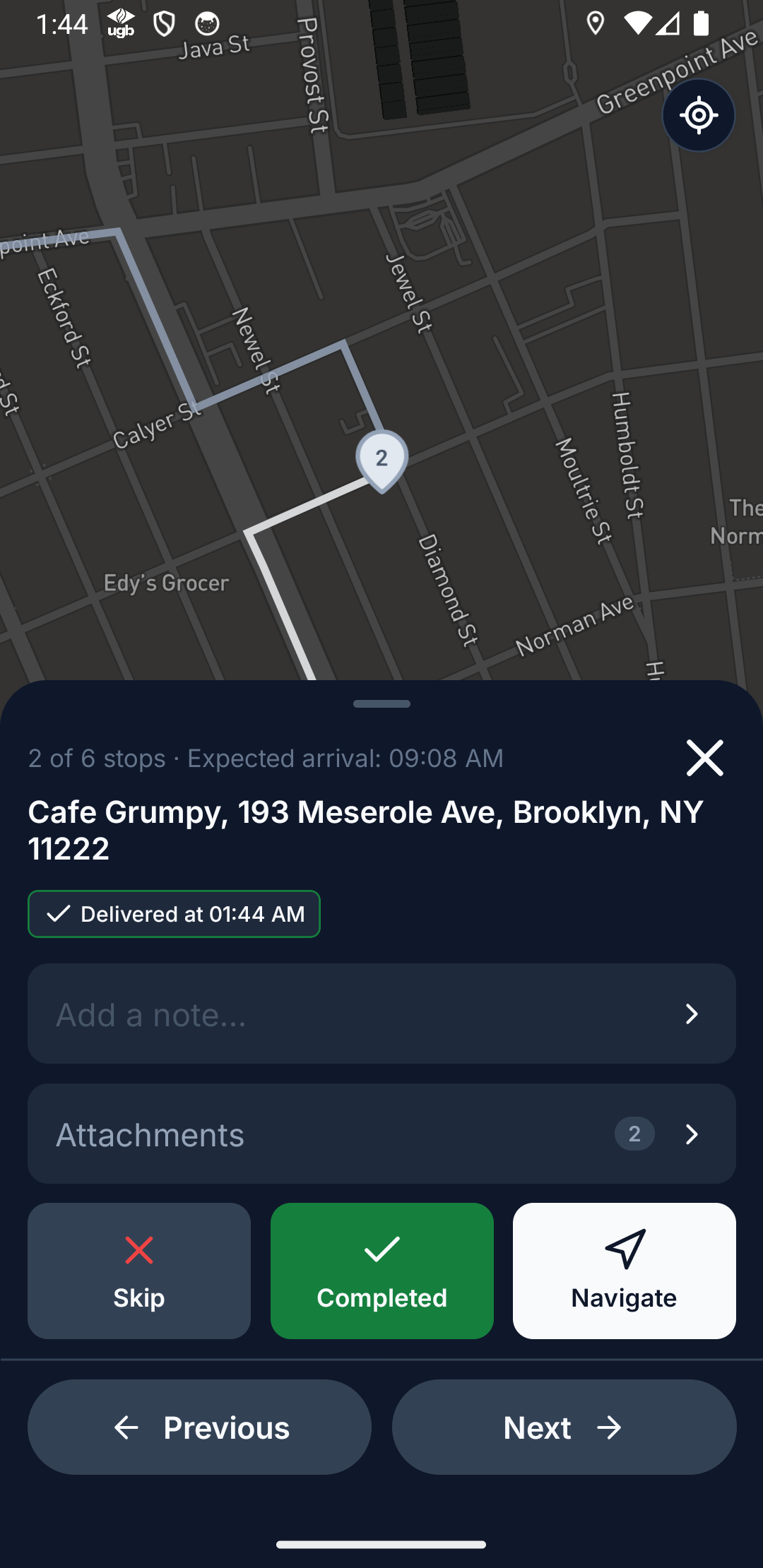
Not delivered comes with a reason: customer not available, wrong address, customer refused, business closed, access restricted, or a typed note. It shows up in the dashboard's Needs attention while the driver is still out, and the customer can be told automatically.
Read the guide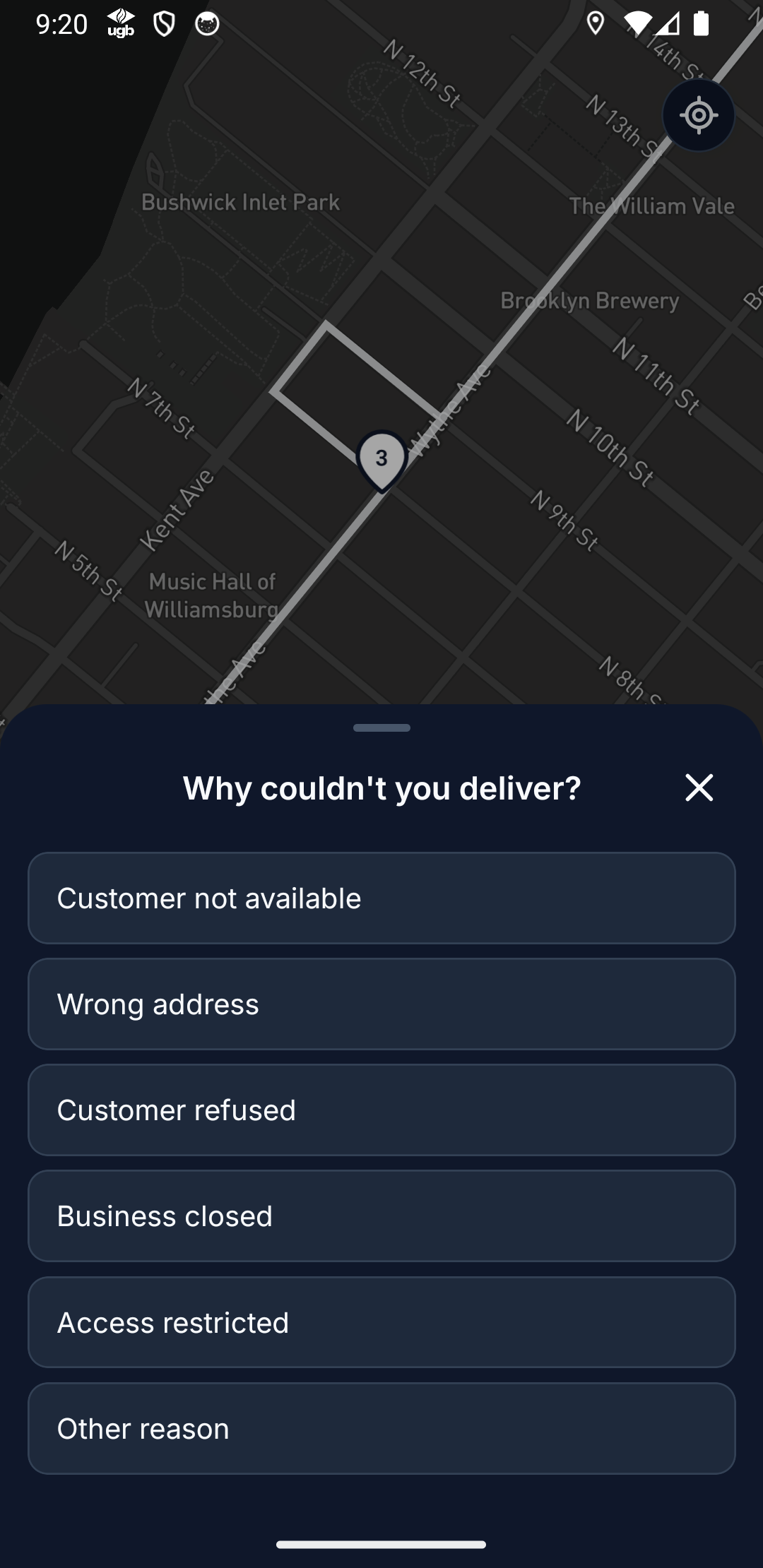
The Activity log records every change to plans, routes and stops — by the office, by drivers or through the API. Choose how long photos and files are kept: 30, 90, 180 or 365 days, to cover your dispute window.
Read the guide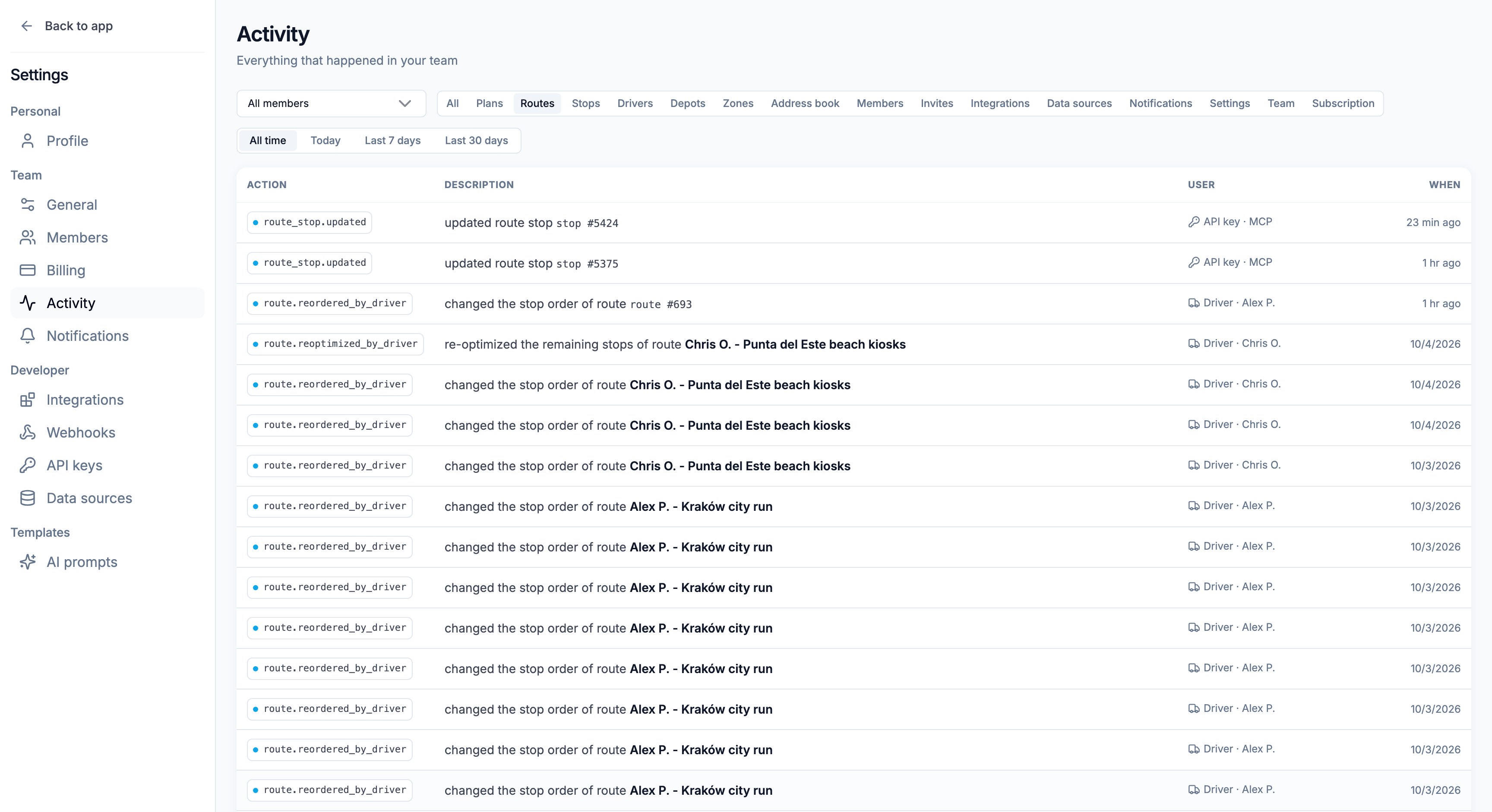
“It's really helping us a lot with our daily logistics. It optimizes our delivery times, and it's simple and friendly to use. And support always answers whenever we ask or need it.”
Name your team, add your depot and drivers. Your drivers install the free app.
Send us your spreadsheet or manifest. We set it up with you on a short call.
Optimize, send to drivers, follow them live. We stay a message away.
The status the driver sets (Delivered, or Not delivered with a reason), the customer's signature, the photos and files the driver attaches, and their notes — all saved on the stop, with the time.
Yes. Statuses, notes and photos are saved on the phone and sync automatically when signal returns, with their real timestamps. Nothing needs to be redone.
You choose: 30, 90, 180 or 365 days (365 if you never change it). Files are deleted automatically after that, so pick a period that covers your dispute and refund window.
Yes. With customer notifications on, a Not delivered update goes out with the reason the driver picked. Write it so the customer knows what happens next.
If a driver marks a stop while they're more than about 300 m from its address, the app asks them to confirm first. An accidental Delivered can be undone until their next action.
$20per driver / month, billed annually · plus applicable tax
$240 per driver, billed once a year
* SMS is sent through your own Twilio account.
Start free trial7 days free · card required · cancel anytime before day 7 and you won't be charged
We'll set up a plan that fits your fleet.
See it on your own stops in a short demo.