
Import problems in plain sight and a calmer Refine mode
June was a month of polish: fewer silent failures and a plan page that is easier to work in.
Plans say when an import failed
If a file import doesn't go through, the plan now carries an import-failed status you can see, instead of simply looking empty. See import problems for what to check next.
A calmer Refine mode
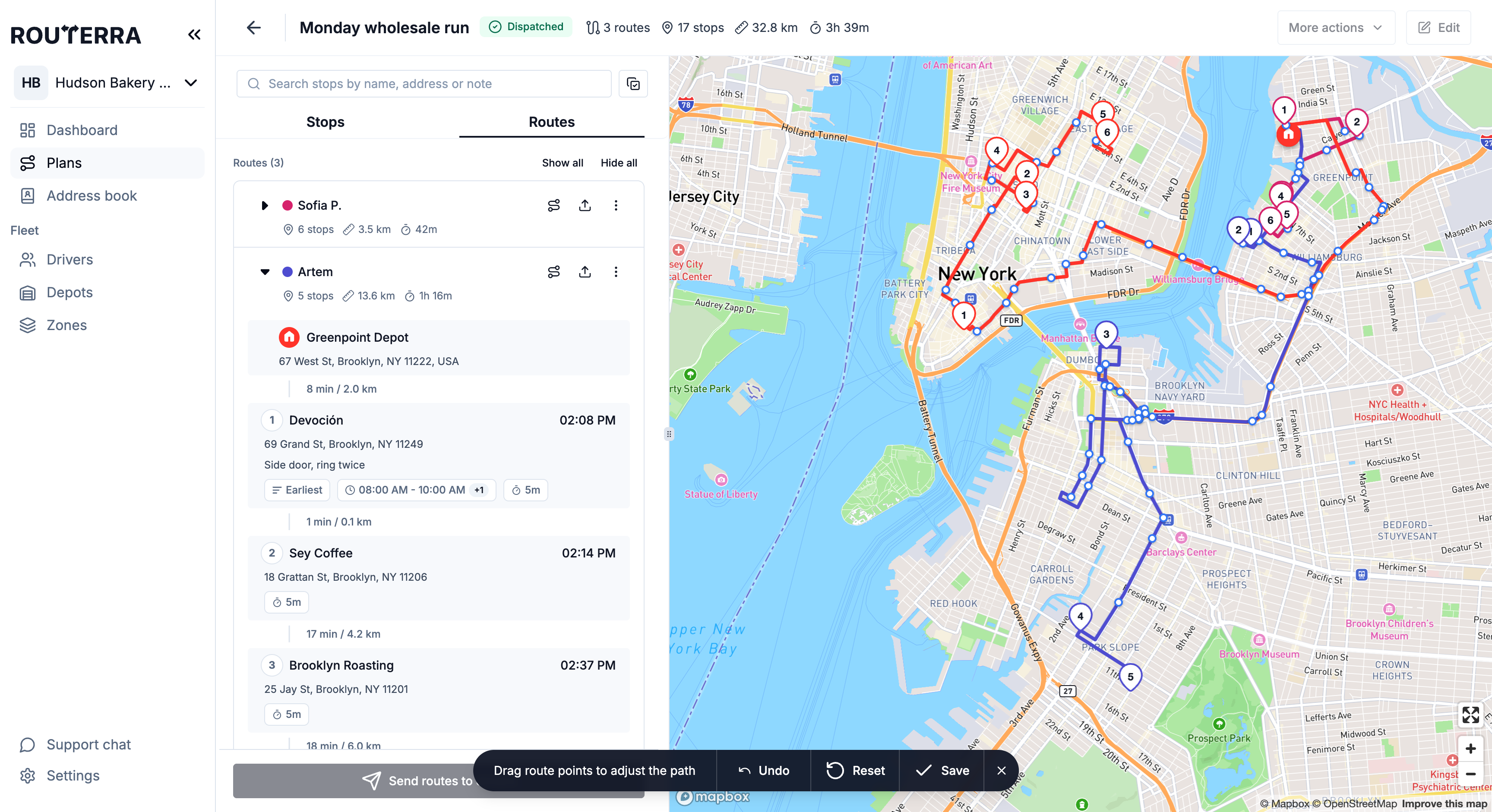
The plan page and the Refine mode action bar — Undo, Reset, Save — got a cleaner layout, so adjusting a route's path on the map takes less hunting for buttons.
Stop markers stay where you drop them
A dragged stop marker now keeps its new position, stops whose address couldn't be found get the right marker, and deleting a stop redraws its route right away.
Unnamed stops show their address
In the stop list, a stop with no name shows its address instead of a blank line. Small fix: the date picker also closes as soon as you pick a date.
How it works, step by step: Reassign routes and refine their path in the help center.