
Driver colours on the map and a busier address book
May made the plan map easier to read at a glance and put the team address book to work in more places.
Stops wear their driver's colour
Once a plan is optimized, every stop marker on the map takes the colour of the driver whose route it belongs to. You can tell who goes where without opening a single route.
Saved addresses in the address search
When you add a stop by typing an address, matching entries from your team address book appear in the suggestions, so a regular customer is one click away.
Stop edits can update the address book
Fixed a pin or changed the service time on a stop that came from the address book? The change can be saved back to the address book entry, so the next import reuses it. Since October this is a checkbox you tick on each save.
Clear messages at the stop limit
When an import or a new stop would go over your subscription's stop limit, Routerra now tells you and offers the upgrade, instead of quietly greying out the input.
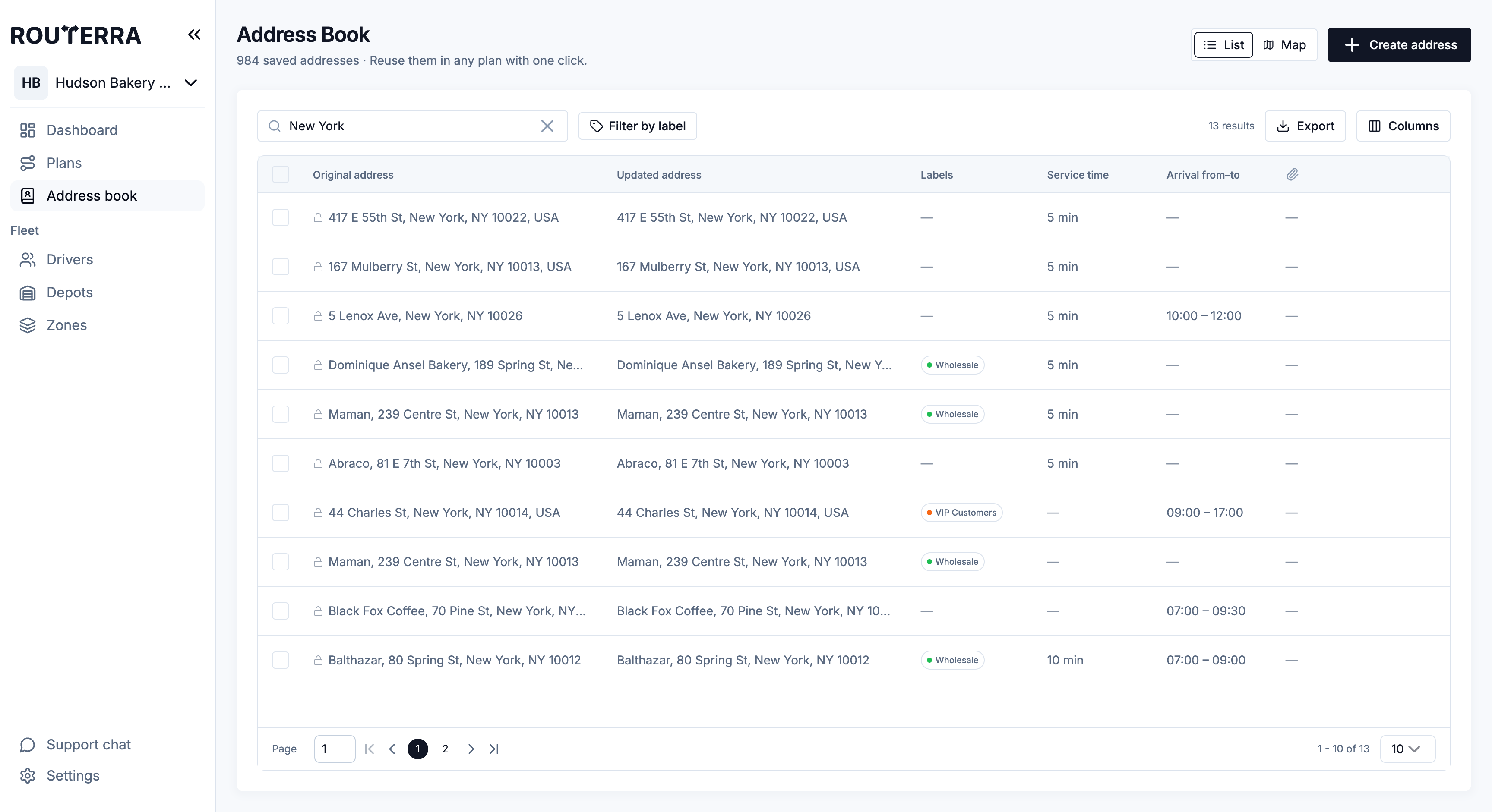
A tidier address book
The team address book got a cleaner table and a proper empty state that tells a new team what to do first.
How it works, step by step: The Team Address Book in the help center.